How to Save Recipes from Discord (Servers, Threads & Chat That Scrolls Away)
Someone in a cooking server drops the exact recipe you’ve been looking for — the real ratios, the technique they worked out after a dozen attempts. By the time you come back to make it, the message is thirty screens up in a busy channel. You can’t pin it. The server might not exist next year. The recipe was never yours to keep.
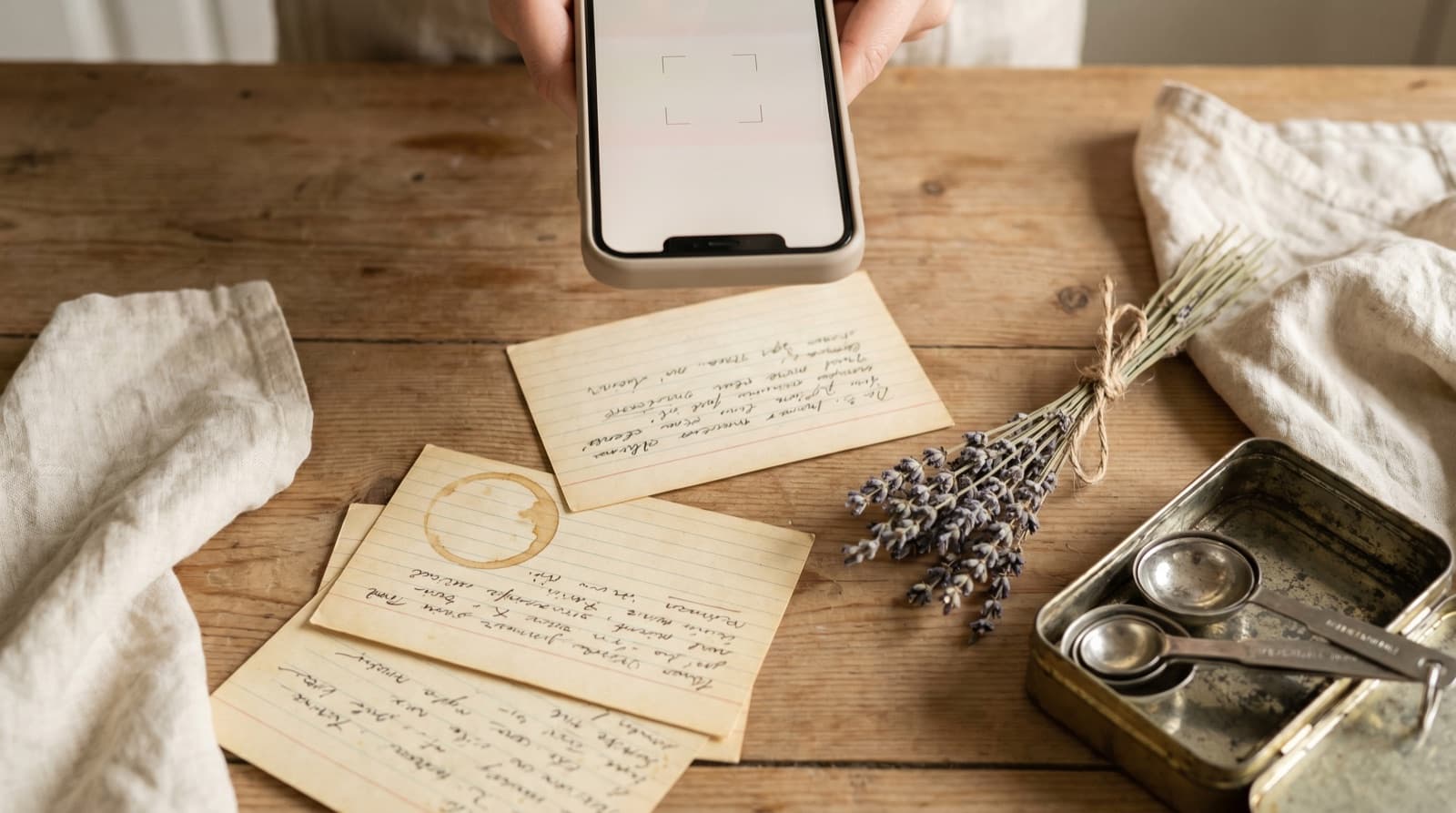
Discord has quietly become one of the better places to find serious home-cook-level recipe content. Not food-blog content — the kind written for search engines, padded to 2,000 words, with a life story before the ingredients. The kind that comes from someone who has made a dish fifty times, knows exactly where the ratios matter, and is willing to post a blunt paragraph about it in a channel called #recipe-drops.
Cooking servers exist for almost every niche: sourdough bakers who have opinions about hydration and flour protein content, fermentation communities comparing kimchi timelines, South Asian home cooks sharing regional variations their grandmothers made, meal preppers working out the minimum viable Sunday session. The density of genuine knowledge per message tends to be higher than a food blog, because Discord rewards specificity and punishes filler.
The problem is that Discord was built for real-time community, not personal archiving. And that means the recipe you found there is extremely likely to disappear before you cook it.
Why Discord Recipes Are So Hard to Keep
Channel history scrolls endlessly and searches poorly
Discord’s search function is limited. You can search a server by keyword, but the results come back in a flat list with minimal context, and cooking servers use the same words constantly — “chicken” will surface every message that mentions chicken, including questions, complaints, and tangential comments. If you don’t remember an unusual ingredient or the exact username of the person who posted, finding a recipe from three months ago is genuinely difficult. In an active server, it may be impossible.
Pinning requires permissions you probably don’t have
Discord pins are per-channel and require the Manage Messages permission — a moderator-level role most server members don’t hold. Even when you can pin something, pins are visible to everyone and fill up fast; most servers cap pins at 50 per channel, and popular channels hit that limit quickly. Pins are a signal to the community, not a personal recipe library.
Discord introduced personal message bookmarks in 2023. They’re better than pins for personal saving — you don’t need permissions, and they’re private to you. But a Discord bookmark is still a pointer to a message you don’t control. If the message is deleted, the server closes, or your membership lapses, the bookmark leads nowhere. And the bookmark is, like every native save on every social platform, a flat unsorted list with no ingredient search and no shopping list.
Servers close without warning
Discord servers are run by volunteers. Admins move on, communities split over moderation disagreements, niche topics run their course, and servers that seemed permanent in 2022 are now gone. When a server is deleted or set to private and you’re removed, you lose access to everything in it — every recipe, every technique discussion, every pinned message. Discord does not provide members with an archive or export. The only things that survive are what you extracted before the server closed.
This is the same structural risk as a Telegram channel that goes quiet or a Twitter account that gets suspended. The platform controls the content; you control only your access to it, and that access can be revoked.
How to Save Recipes from Discord Properly
If the recipe is in a message
On mobile, tap and hold the message containing the recipe, then choose Copy Text from the context menu. On desktop, hover over the message, click the three-dot icon that appears on the right, and select Copy Text. If the recipe spans multiple messages — which happens when someone posts ingredients in one message and method in another — copy each block separately and paste them together.
Open Pantree’s import screen and paste the copied text. The app extracts the ingredients and method from the unstructured block and builds a structured recipe: a title, a scalable ingredient list, numbered steps. Add a title if the original message didn’t include one. What arrived as a chat message comes out as something you can actually cook from.
If the message links to a recipe website
Many Discord recipe shares are links: someone posts a URL to a food blog, a recipe site, or a YouTube video. In that case, tap the link to open it in your browser, then share the page to Pantree via the iOS share sheet or Android share menu. Pantree strips the ads and the preamble and extracts the recipe. We covered why recipe websites are a problem in their own right — the Discord share still gets you to the same destination, just via a link instead of a direct copy.
If the recipe is in a forum-style thread
Larger Discord servers use the Forum channel type for structured discussions, which works more like a Reddit thread: a post at the top, replies below. Recipe threads in a Forum channel tend to be cleaner than chat — the original post usually has the full recipe, and the replies are discussion. Copy the original post text and import it into Pantree the same way. Forum threads are marginally easier to find in search, but they’re still vulnerable to the same server-closure risk as everything else.
If you’re clearing out a backlog of saved messages
Go to your Discord bookmarks (the bookmark icon in the sidebar or top menu) and work through them in batches of five or ten. For each recipe bookmark: open the message, copy the recipe or the link, import it into Pantree, and remove the bookmark once it’s saved. A recipe that exists in both your Discord bookmarks and your Pantree library is a recipe you haven’t fully extracted yet. The bookmark is a liability; the imported recipe is an asset.
This is the same clearing-out process that works for Reddit saves, Notes app dumps, and iMessage threads: a short, focused session that converts pointers into a library you actually control.
What You Gain When the Recipe Is Yours
The benefits of extracting a Discord recipe into a proper keeper are the same as for any other platform, but they matter more here because Discord content is more fragile than most.
- The recipe survives the server closing. Once imported into Pantree, the recipe exists independently of Discord. Server deleted, membership lapsed, account suspended — the recipe is still in your library.
- You can search by ingredient. “What can I make with the buttermilk and thighs I have?” is a question Pantree answers across your whole library. Discord search tells you every message in the server containing those words — a different and less useful thing.
- You can scale it. The batch the server member made for a dinner party of eight can be halved for a weeknight for two, without arithmetic. Discord has no scaling tool.
- A shopping list generates itself. Pick the recipes for the week and Pantree deduplicates the ingredients against your pantry and produces one list. The Discord message with the quantities you half-remembered is no longer the bottleneck.
- It lives next to everything else. The recipe from the sourdough server ends up next to the one photographed from your cookbook and the one pulled from a Substack newsletter, searchable together. One library, every source.
A Note on Discord’s Cooking Communities
It’s worth being specific about what makes Discord cooking content different — and why it’s worth the extra step to extract it.
Recipe blogs optimise for search and advertising. The format rewards length, keyword density, and a backstory that keeps readers on the page. The recipe is often secondary to the content strategy. Discord cooking servers optimise for nothing except the conversation. When someone in a fermentation server explains exactly why the salt percentage in kimchi matters, they’re explaining it because they know the answer and want to share it — not because they’re trying to rank for “kimchi recipe easy.”
The food media coverage of Discord cooking communities has consistently noted this: the signal-to-noise ratio in a good cooking server is genuinely high, and the people sharing recipes there are often more technically rigorous than the average food blogger. The information is valuable. It’s also ephemeral in a way that food blog content — for all its flaws — is not. A blog post can be found via search next year. A Discord message from last month probably can’t.
Treat Discord as a source, not a library. The discovery happens there; the keeping happens somewhere you own.
The Broader Pattern
Discord is one more channel in the same fragmentation problem: TikTok, Instagram, Twitter, WhatsApp, Reddit, Telegram. The specific mechanics differ — pins instead of saves, threads instead of DMs — but the root problem is the same: you’re finding recipes on platforms that weren’t designed to keep them, and trusting the platform to do a job it was never built for.
The solution in every case is the same: discover wherever the good recipes live, extract them into something you own, and stop relying on platform stability to maintain your recipe collection. The three minutes it takes to copy a Discord message and import it into Pantree is a better investment than hoping the server is still there when you want to cook from it six months from now.
Frequently Asked Questions
How do I save a recipe from a Discord server?
Copy the recipe text from the message — tap and hold on mobile, or select text on desktop — then paste it into a recipe-keeper app like Pantree. The app extracts the ingredients and method from the block of text and builds a structured, scalable recipe. If the message contains a link to a recipe website, open the link in your browser and share the page to Pantree via the iOS share sheet or Android share menu. Either approach gets you a recipe you own, not a message in a channel you don't control.
Can I pin recipes in Discord?
You can pin messages in Discord, but only if you have the Manage Messages permission in that server — which most members don't. Even when you can pin, pins are server-wide and visible to everyone; they're not a personal save. Pinned messages pile up and become as hard to search as the channel itself. More fundamentally, if the server closes or you leave, your pins go with it. Pins are a signal to other members, not a recipe library for you.
What happens to recipes when a Discord server closes?
They're gone. When a server is deleted or made private and you're removed, you lose access to every message in it — including every recipe shared across every channel. Discord doesn't give members an archive or export. This happens more often than people expect: servers drift, admins move on, communities fork. A recipe you found in a now-closed cooking server in 2023 is inaccessible unless you saved it somewhere you control. The only way to own a Discord recipe is to extract it before the server goes.
Does Discord have a bookmarks feature for recipes?
Discord introduced message bookmarks in 2023 — you can save a message to your personal bookmarks via the context menu. It's an improvement over relying on pins, but it has the same structural problem as every other platform's native save: it's a pointer to a message in a server, not a copy of the recipe. If the message is deleted, the server closes, or you're removed, the bookmark leads nowhere. And bookmarks are still a flat, unsorted list with no ingredient search, no scaling, and no shopping list.
Which Discord servers have good cooking communities?
Some of the most active cooking communities on Discord include the r/Cooking official server, Home Cook Haven, the Food52 community, and dozens of niche servers around specific cuisines — Japanese home cooking, South Asian recipes, fermentation and preservation, plant-based cooking. Baking servers (sourdough, bread, patisserie) tend to be especially rigorous with tested ratios. The quality varies server to server, but the best ones are staffed by home cooks who have made a dish fifty times, not food bloggers optimising for page views.
Is it legal to save a recipe from a Discord message?
Yes, for personal use. A list of ingredients has no copyright protection — ingredient quantities and names cannot be owned. The method text has some protection, but saving a private copy of a recipe you intend to cook is universally treated as personal fair use. What isn't acceptable is republishing someone's recipe verbatim on a commercial site without credit. Keep it in your own recipe library, cook from it, and you're fine. If the recipe is from someone you know in the server, a quick 'thanks, saving this to my recipe app' is good manners.
Get the recipe out of the server.
Copy a Discord message or paste a recipe link into Pantree and get a clean, scalable recipe with a shopping list — no bookmarks, no scrolling through channel history, no hoping the server still exists when you want to cook. Free on the App Store.