How to Photograph a Cookbook Page into a Digital Recipe
You own a shelf of cookbooks and have cooked from about four of them. The rest are beautiful objects containing recipes you can’t search, can’t scale, and can’t put on a shopping list. The photo on your phone is not the fix. Here’s the fix.
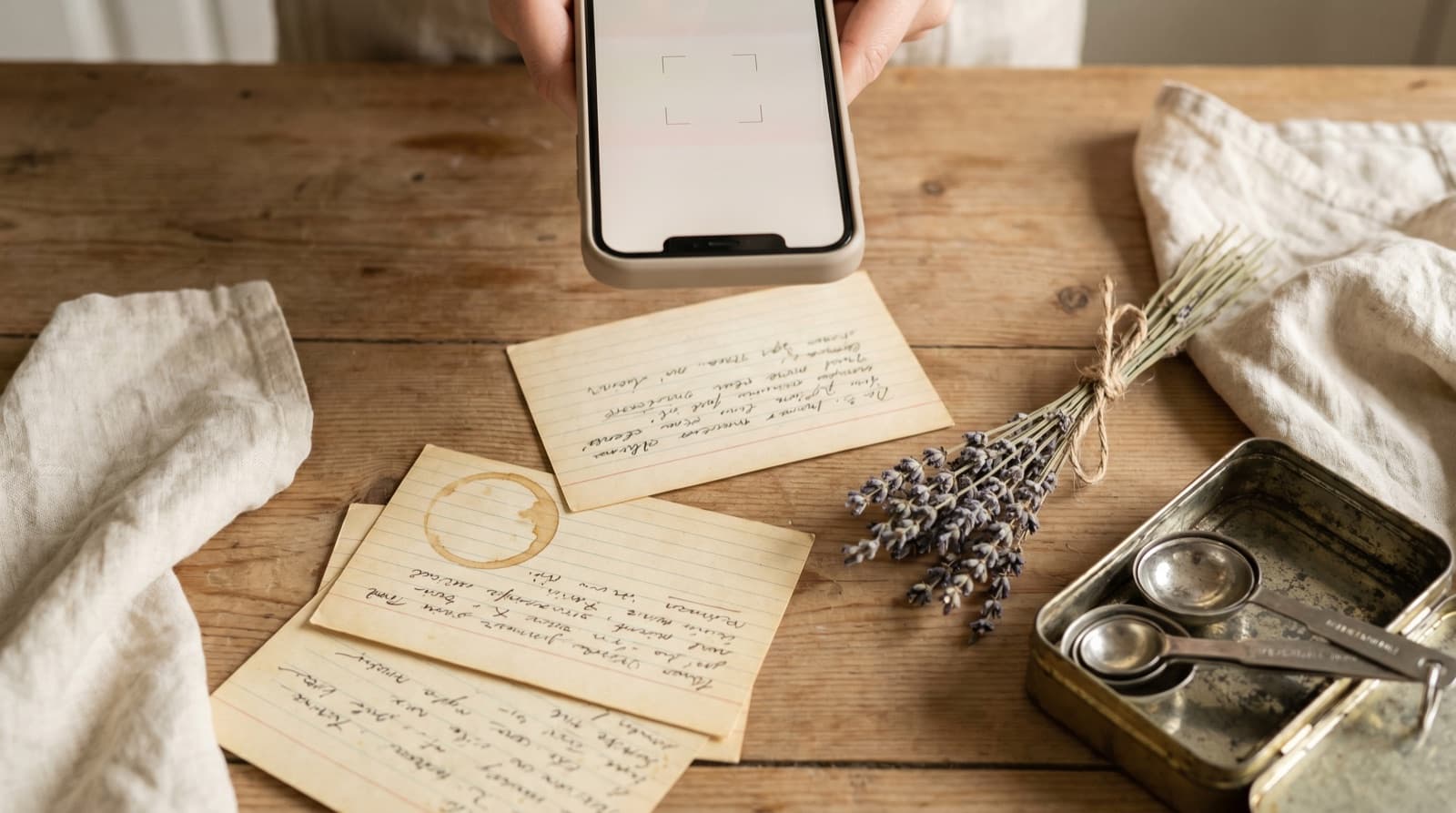
The average British household owns around 40 cookbooks and cooks from roughly six of them. The rest sit on the shelf, consulted occasionally and then put back. Part of that is inertia. Part of it is that the friction of using a printed recipe — propping the book open, losing your page, not being able to search for what you have in the fridge — tips the decision toward whatever is easiest, which is usually the same four recipes on your phone.
Photographing cookbook pages feels like the obvious workaround. And it is, to a point. You get a copy that doesn’t require the book. You don’t have to prop anything open. But a photo of a recipe is not a recipe: it’s an image file. You can’t search it, you can’t scale it, the shopping list doesn’t build itself, and the camera roll it lives in is almost certainly already full of parking signs and boarding passes. This is a slightly better problem than not having digitized it at all, but it’s still a problem.
This post is distinct from our guide on how to digitize grandma’s handwritten recipes. Handwritten cards have their own challenges — faded ink, idiosyncratic shorthand, measurements written as “a good glug.” Printed cookbook pages are typeset and high-contrast, which makes OCR significantly more reliable and the import faster. The goal is the same — a recipe you own, in a library you control — but the method is simpler.
Why the Camera Roll Doesn’t Work
A photo is a flat image of a recipe, not the recipe itself. The difference matters the moment you want to do anything with it. You can’t type “chicken thighs” into a search bar and see it. You can’t change the serving count and watch the quantities update. You can’t tap three recipes and get a deduplicated shopping list. Every time you want to cook from it, you open the image, zoom in, zoom in again because the quantities are small, and tilt your head slightly to read the method column. The book had the same problem and at least it had an index.
Most cookbook recipes span two pages. That’s two photos, usually taken a few seconds apart at slightly different angles, both in portrait with your thumb slightly in frame on the left one. Your camera roll now contains one recipe in two images, neither of which has the name of the dish in its filename.
Camera rolls scale badly. If you photograph one recipe a week, you have 52 recipe images a year. After three years they are indistinguishable from each other in the grid view, and there is no way to filter to “pasta” or “under 30 minutes” or “uses the courgettes going soft in the bottom drawer.” This is the same recipe fragmentation problem from every other source — the photo-to-phone pipeline just arrives at it via a slightly different route.
The Approach That Actually Works
OCR — optical character recognition — is what turns the image of a recipe into text you can use. It’s been in your phone for years (Apple Live Text, Google Lens, the Notes scanner), and it works well enough on clean, typeset text in decent light. What it doesn’t do on its own is parse the text into a recipe — separate the ingredients from the method, identify the quantities, connect the prep steps in order.
A recipe-keeper app like Pantree combines the OCR step with the parsing step. You photograph the page or paste in the text, and it returns a structured recipe: ingredients in a list with quantities separated out, method in numbered steps, serving count editable. What this unlocks:
- Search by ingredient. Every ingredient in every cookbook recipe you’ve imported becomes searchable. Open the fridge, see what’s about to turn, search for it, and get the recipes that use it — from the cookbook as well as everywhere else you’ve saved things.
- Scaling. Change the serving count and the quantities update. No more mental arithmetic for doubling a cake, or halving a braise that was written for a crowd.
- Shopping lists that build themselves. Select two or three recipes for the week. The app deduplicates the ingredients, checks them against your pantry, and hands you a list of what you actually need to buy. Our guide on grocery lists sorted by aisle covers how useful this becomes when the list maps to the store.
- One library, every source. The same import that handles cookbook pages handles TikTok videos, Reddit comments, any website, and handwritten cards. The Ottolenghi from the shelf ends up in the same searchable collection as everything else.
How to Do It: The Practical Steps
Step 1: Get a usable photo
Light and flatness are the two variables that matter. Photograph near a window or under a good overhead light — shadows across the page wreck OCR accuracy. Flatten the spine as much as possible and shoot straight down rather than at an angle. You don’t need a tripod; you just need the text to be legible rather than fisheyed and dark.
If the recipe runs across two pages, photograph each one separately rather than trying to get both in frame at once — the gutter always goes blurry and you lose the text near the spine.
Step 2: Import it
In Pantree, use the photo import option and select the image from your camera roll. Alternatively, use Apple Live Text or Google Lens to copy the text off the image first, then paste it into the app — this two-step sometimes catches more than the in-app scanner on difficult pages. Either way, the app does the parsing.
For a two-page spread, import the first page, then paste in the second page’s text as an edit. The app treats the combined text as one recipe.
Step 3: Spend 60 seconds on a quick check
OCR on clean typeset text is usually 95%+ accurate, but the errors it does make are the kind that matter in cooking: a half-teaspoon read as a full one, a step merged into the one above it, a quantity split from its unit. A quick read-through while the recipe is fresh in your mind catches these in under a minute. This isn’t a chore — it’s the last time you’ll need to look at the book for this recipe.
Step 4: Add the headnote if it’s useful
The author’s note at the top of the recipe is often the densest useful information in the whole book: what the dish is supposed to feel like, what to watch out for, what they’d change on a second test. Paste it into the recipe’s notes field. It stays attached to the recipe rather than living somewhere in the book you’ll have to reopen.
The Copyright Question
Practically speaking: digitizing a recipe from a cookbook you own, for your own use in your own kitchen, is broadly considered fair use in the US and the UK. Copyright protects the specific literary expression — the phrasing, the headnotes, the prose — not the underlying recipe, because recipes themselves are not copyrightable as ideas or methods. Keeping the import in your private recipe library is well within the spirit and the letter of personal use.
Posting it publicly, sharing it in a newsletter, or distributing it commercially would be a different matter. Keep it to yourself and cook from it with a clear conscience.
The Bigger Picture
The recipes on your shelf aren’t being ignored because they’re bad. They’re being ignored because the friction of getting them into the rotation is just slightly higher than the friction of opening an app. Digitizing a page takes three minutes. After that, the Marcella Hazan and the Nigella and the dog-eared Jamie Oliver compete on equal terms with whatever came through on TikTok this week — searchable, scalable, and connected to the same shopping list as everything else.
This is the same financial logic behind cutting the grocery bill without being miserable: the books cost money to buy and sit unused. Cooking from them instead of ordering in pays you back. The photo import is what makes that easy enough to actually do.
Frequently Asked Questions
Can I just use my phone camera to save a cookbook recipe?
Yes, but a photo is not a digital recipe — it's a picture of one. You can't search 'what have I saved that uses courgette', you can't scale the quantities to serve eight, and you can't generate a shopping list from it. Most recipes also run across two pages, so you end up with two images in your camera roll, side by side, wedged between a parking sign and a screenshot of a flight. OCR (optical character recognition) is what turns the photo into text you can actually use.
Is it legal to digitize a cookbook recipe?
For personal use in your own kitchen, digitizing a recipe from a cookbook you own is widely considered fair use in most jurisdictions, including the US and UK. What's protected by copyright is the specific literary expression — the prose, the phrasing, the headnotes — not the underlying idea of the recipe or the list of ingredients and quantities. Sharing the digitized version publicly, posting it online or distributing it commercially would be a different matter. Keep it in your private recipe library and you're on solid ground.
What's the best app for scanning cookbook recipes?
Pantree lets you photograph or paste text from a cookbook page and extracts the ingredients and method into a structured, editable recipe. It handles the same import for TikTok, Instagram, Reddit, websites and handwritten cards, so printed cookbook pages end up in the same searchable library as your digital finds. Apple's Notes and Google Keep have basic OCR if you just need raw text, but they don't turn it into a recipe — no ingredient parsing, no scaling, no shopping list.
How do I handle a recipe that spans two pages?
The straightforward option is to photograph both pages and stitch them in your notes as a block of text before importing. In Pantree you can paste the combined text and it parses the whole thing as one recipe. An alternative for longer recipes is to photograph the ingredient list on one side and type or paste the method manually — ingredient lists are the part worth having structured, since that's what drives scaling and shopping lists. The method rarely needs to be searchable.
Does OCR work on old or yellowed cookbook pages?
It depends on the contrast. Good light, a flat page and reasonably legible typeset are the main factors — the age of the paper matters less than whether the text is sharp and well-lit in the photo. Slightly yellowed paper with dark ink still OCRs well. Handwritten notes in the margins, faded or smeared ink, and very decorative fonts are harder. If OCR produces garbage on a particular page, a quick manual re-type of just the ingredient list (20–30 seconds for most recipes) is usually faster than fighting the recognition engine.
What about the headnote and story on the cookbook page — should I keep it?
That's entirely your call. The headnote is often the most useful part — it tells you what the dish is supposed to taste like, where it came from, and what the author found tricky. Some people paste it as a note on the recipe so it stays attached. Others just want the ingredients and steps. Either way, once it's in a recipe keeper, you can edit, trim and annotate as much as you like.
Photograph a page. Get a recipe you can actually cook from.
Pantree turns cookbook photos into searchable, scalable recipes with a shopping list attached — and handles TikTok, Instagram, Reddit and any website while it’s at it. Free on the App Store.