How to Save Recipes from TikTok (So You Actually Cook Them)
You’ve saved 300 recipes on TikTok. You’ve cooked roughly four of them. Here’s why the bookmark button is failing you, and how to save TikTok recipes so they actually become dinner.
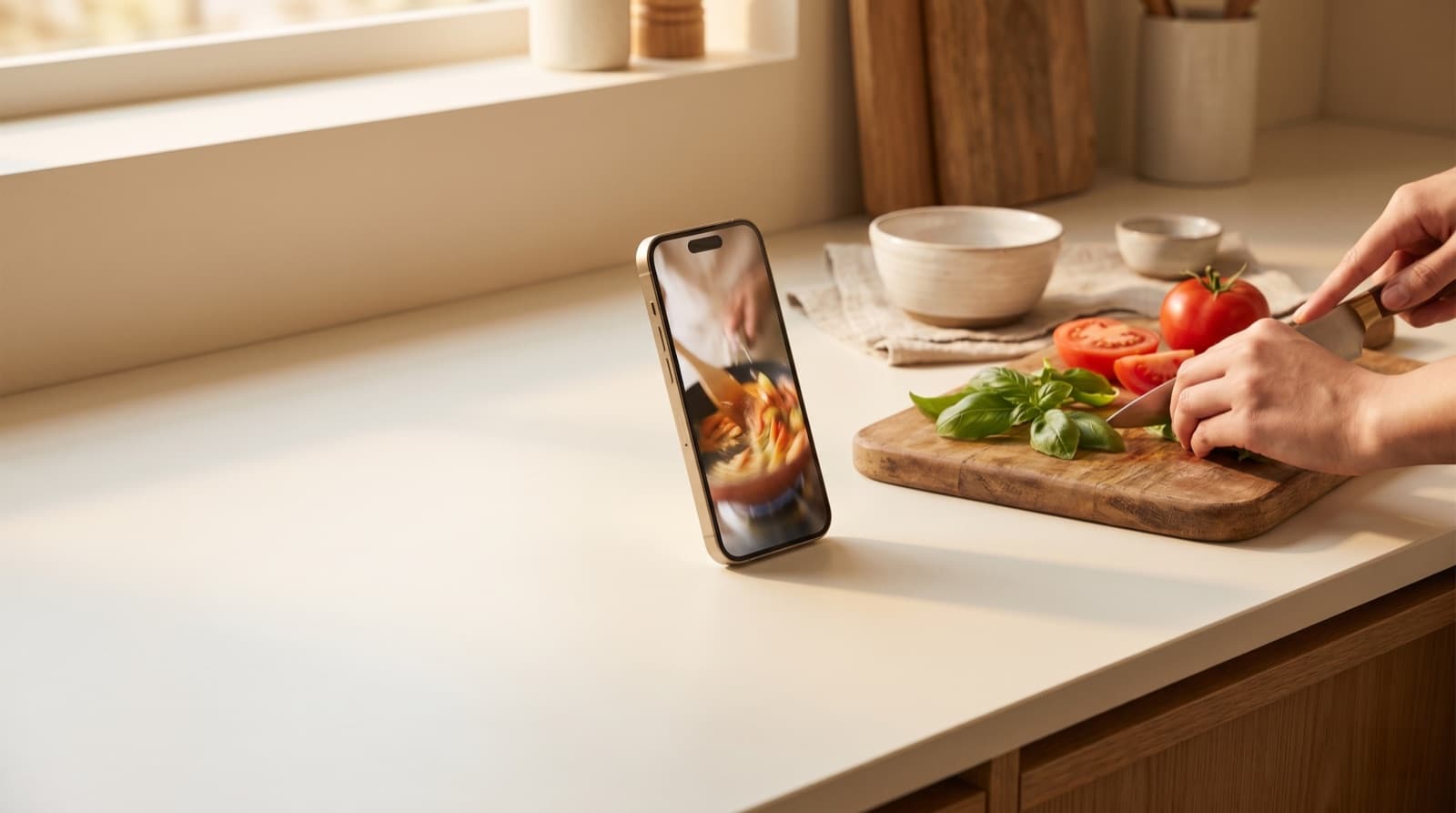
Be honest about your TikTok “Saved” folder. It is a beautiful, sprawling monument to meals you fully intended to make. The 14-ingredient gochujang noodles. The “marry me” chicken. The cottage cheese thing everyone lost their minds over. You tapped the little bookmark, felt a flicker of accomplishment… and never saw any of them again.
You are not disorganised. The tool is. TikTok is built to keep you watching the next video, not to help you cook the last one. Saving a recipe and cooking a recipe are two completely different jobs, and the bookmark button only does the first one, badly. Let’s fix that.
Why the TikTok “Save” Button Fails You
Three structural problems turn your saved recipes into a pile you never touch:
1. It saves the video, not the recipe. A recipe is an ingredient list and a method. What TikTok stores is a 38-second clip with trending audio. The quantities are usually spoken, not written, “just a good glug” of oil, “about that much” garlic, gestured at the camera. None of that is something you can shop from.
2. There is no recipe folder. Saved videos go to one undifferentiated bookmark tab on your profile, recipes mixed in with dog videos, life hacks, and that one sound you wanted to remember. There’s no “dinners” view, no search by ingredient, no way to ask “what can I make with the chicken in my fridge?” By recipe number 50, the collection is functionally unbrowsable.
3. The recipe can vanish. If the creator deletes the video, switches to private, or their account goes down, your saved item becomes a dead grey box. You didn’t save a recipe. You saved a pointer to someone else’s post, and you don’t control whether it still exists next Tuesday.
This is a specific case of a much bigger problem we’ve written about before, recipe fragmentation: your cooking ideas scattered across TikTok saves, Instagram bookmarks, screenshots in your camera roll, and twelve open browser tabs. Each one is a recipe you canalmost find. Almost isn’t dinner.
The Ways to Save a TikTok Recipe, Ranked
Method 1: Screenshots (free, mostly useless)
Screenshotting the video and caption is the default move. It’s instant and free. It’s also where recipes go to die: a screenshot isn’t searchable, the quantities are usually still missing (they were spoken, remember), and your camera roll becomes its own graveyard, recipe stills wedged between parking-spot photos and screenshots of things you meant to buy.
Method 2: TikTok collections (slightly better)
TikTok lets you sort saved videos into named collections, so you can at least make a “Recipes” one. This is a real improvement over the single bookmark pile, and if you do nothing else, do this. But it still only organises videos. You can’t see an ingredient list, can’t generate a shopping list, and the disappearing-video problem is fully intact.
Method 3: The creator’s link in bio
Some creators put the full recipe on a blog and link it in their bio. When they do, it’s genuinely the best free version of the recipe, real quantities, written method. The catch: you now have the recipe on a blog you’ll never relocate, behind a cookie banner and a life story about the creator’s trip to Tuscany. You’re back to fragmentation, just on a different website.
Method 4: Import the link into a recipe keeper (the fix)
The only approach that solves all three problems is to pull the recipe out of TikTok and into something built for cooking. In Pantree, you copy the video’s share link, paste it in, and it extracts the ingredients and method into a clean, editable recipe. Now you have:
- A real ingredient list with quantities, that you can scale up or down, not a glug and a gesture.
- A copy you own. If the creator deletes the video next week, your recipe is still yours.
- One library, every source. The same import works for Instagram, YouTube, and recipe blogs, so your TikTok finds sit next to everything else instead of in their own silo.
- A shopping list, generated for you. The ingredients become a deduplicated list, checked against what’s already in your pantry so you don’t buy a third jar of cumin.
That last part is the whole point. A saved recipe isn’t worth anything until it survives the gap between “that looks good” and “this is on a plate.” The thing that kills most TikTok recipes isn’t bad cooking, it’s that nobody ever turned the video into a list of things to buy.
The Two-Minute Workflow That Actually Works
Here’s the habit worth building. Next time a recipe stops your scroll:
- Tap share, copy the link. (Don’t rely on the bookmark, it doesn’t store the recipe.)
- Paste it into your recipe keeper so the ingredients and steps are captured as text you own.
- Before your next shop, skim the saved recipes, pick two or three for the week, and let the shopping list build itself.
- Stuck on what to cook? Work the other direction, start from what’s in the fridge. Our guide on what to cook with what you have walks through that, and how to read a recipe properly helps once a chaotic TikTok is finally written down like a real recipe.
Do this for a month and the maths change. A household that actually cooks the recipes it saves, instead of defaulting to a $30 takeaway because dinner felt like too much decision-making, claws back real money, the kind we broke down in how to save money on groceries. The recipe was never the expensive part. The forgetting was.
The Point
TikTok is a genuinely brilliant place to discover food. It is a terrible place to keep it. The bookmark button gives you the comforting feeling of having saved a recipe without any of the substance, no ingredients you can shop, no copy you control, no way to find it again under 299 other clips.
Save the recipe, not the video. Get it somewhere built for cooking, with a shopping list attached, and your “Saved” folder stops being a museum of good intentions and starts being this week’s dinners.
Frequently Asked Questions
How do I save a recipe from TikTok?
Tapping the bookmark icon saves the video to your TikTok favourites, but that only stores the clip, not the recipe. To actually save the recipe, you need to capture the ingredients and method as structured text. The most reliable way is to copy the video's share link and paste it into a recipe-keeper app that extracts the ingredients and steps automatically. Screenshotting the caption is a manual fallback, but quantities are often only spoken in the video, not written down.
Where do my saved TikTok recipes go, and why can't I find them?
Saved TikToks land in Profile → the bookmark tab, mixed in with every other video you've ever favourited, dances, memes and all. There's no recipe folder, no ingredient view, and no search by what you have. This is why most people's TikTok recipe collection becomes an unbrowsable pile of hundreds of clips they never reopen.
Can I get the ingredient list from a TikTok recipe video?
Not from TikTok itself. The app gives you a video and a caption, no structured ingredient list and no quantities you can shop from. You either transcribe it by hand (pausing the video to catch '2 cloves' versus '2 bulbs' of garlic) or use a tool that converts the video into a proper recipe with a clean ingredient list.
What happens to a saved TikTok recipe if the video gets deleted?
It's gone. If the creator deletes the video, goes private, or their account is removed, the saved item in your favourites becomes a dead link. Anything you didn't capture as text is lost. This is the single biggest reason to store the recipe content itself, not just a bookmark to someone else's post.
Is there an app that turns a TikTok video into a real recipe?
Yes. Pantree lets you paste a TikTok recipe link and it pulls out the ingredients and method into a clean, editable recipe, then generates a shopping list from it. It works the same way for Instagram, YouTube, and recipe blogs, so every recipe you save lives in one place instead of scattered across five apps.
How do I make a shopping list from a TikTok recipe?
Manually, you'd rewatch the video, note every ingredient and quantity, and write them out. With a recipe keeper like Pantree, importing the link generates the shopping list for you, deduplicated and grouped, and checks it against what's already in your pantry so you don't buy the tinned tomatoes you already have.
Stop losing recipes to the scroll.
Paste a TikTok link into Pantree and get a real recipe with a shopping list. Free on the App Store.