How to Save Recipes from WhatsApp (Family Group Chats & Forwarded Texts)
The best recipe you’ll cook this month is probably sitting in a family group chat right now, already scrolling out of reach. Here’s why WhatsApp is where family recipes quietly vanish — and how to keep the ones that matter before they’re gone.
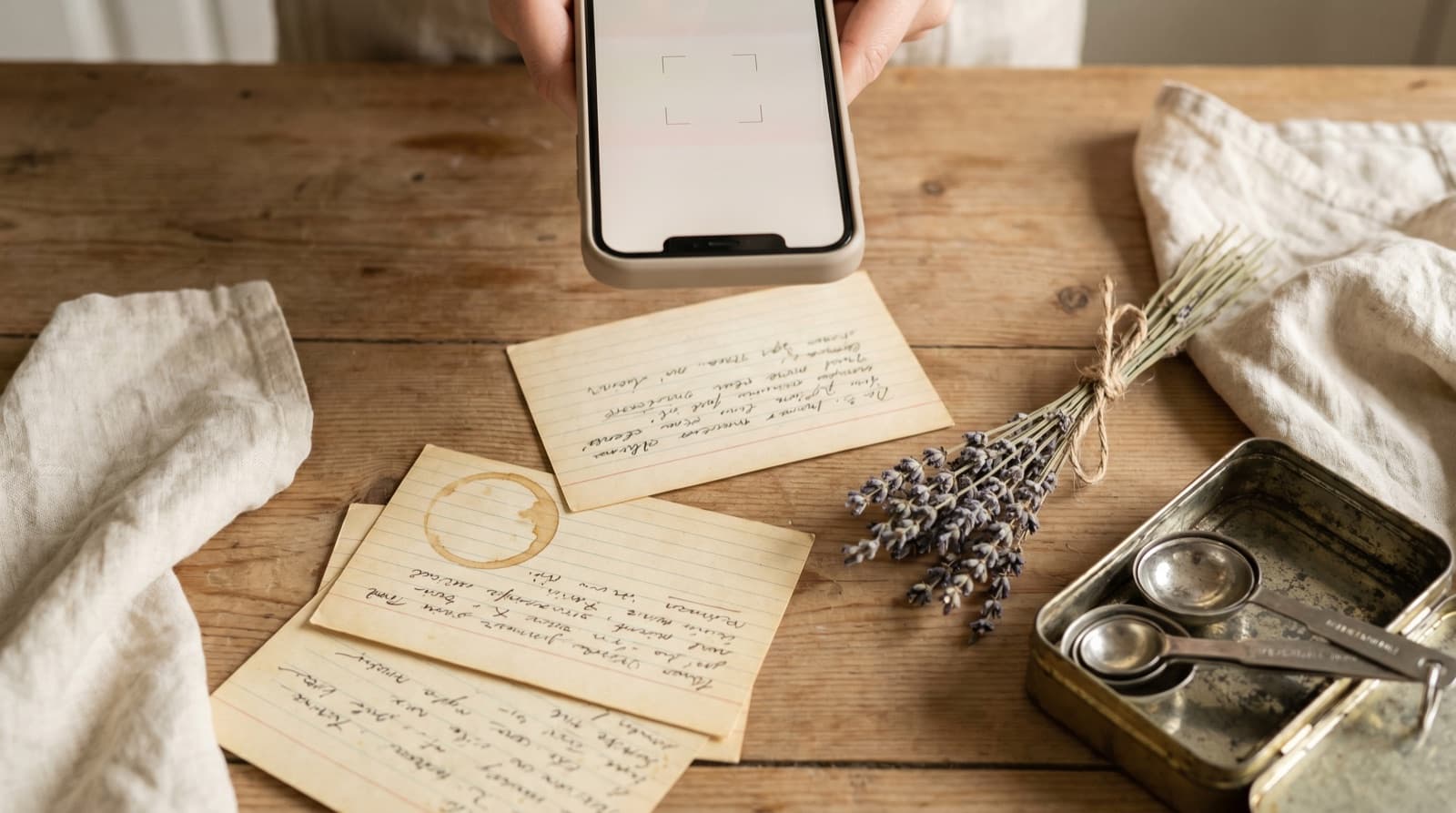
It arrives at 9:40pm with no warning. Your mum drops a recipe into the family group — her dal, finally written down after years of “a bit of this” — and three cousins reply with fire emojis. You think, “brilliant, I’m making that,” and you carry on scrolling. By the weekend it’s buried under a hundred messages about who’s bringing what to the barbecue, and by the time you actually want to cook it, you’re scrolling up through six weeks of chat trying to remember roughly when she sent it.
WhatsApp is, quietly, one of the most important recipe channels in the world — it’s how families actually pass food down now, more than any cookbook. It’s also one of the worst places to keep a recipe you care about. Understanding why is the first step to never losing gran’s recipe to a group chat again.
Why WhatsApp Recipes Disappear
The problem isn’t you being forgetful. It’s that nothing in WhatsApp is stored as a recipe — it’s all stored as messages, and messages are built to scroll away.
1. A chat is a river, not a recipe box. Every message pushes the last one further up. A recipe shared today is a hundred messages up by Friday and a thousand up by next month. WhatsApp’s in-chat search is keyword-only, so unless you remember an exact word your mum typed, you’re thumb-scrolling through weeks of “on my way” and forwarded memes.
2. Starring is a bookmark, not a copy. Starred Messages feels like the answer — until you open it. Every star you’ve ever tapped lands in one list: a plumber’s number, a train time, a photo of a car park, and somewhere in there, a recipe. There’s no ingredient search and no way to group things. And a starred message still lives inside the chat — if that message gets deleted, or you switch phones badly, or someone leaves and clears the group, your star points at nothing.
3. Voice notes hide the recipe in the worst place of all. Plenty of the best family recipes never get typed — they arrive as a two-minute voice note where your aunt talks you through the whole thing from memory. There’s nothing written down to save, nothing to search, and no chance you’ll remember whether that was one teaspoon of turmeric or two by the time you’re at the stove.
4. Forwards decay fastest. A recipe forwarded from another chat — a screenshot of a blog, a photo of a handwritten card, a picture of a cookbook page — is an unsearchable image the moment it lands. Forward it on, and it’s stripped of context and already halfway to gone. You never owned it; you were passing along a copy of a copy.
This is one corner of a much bigger problem we’ve written about: recipe fragmentation — your cooking ideas scattered across WhatsApp chats, TikTok bookmarks, Instagram screenshots, Facebook saves and a dozen browser tabs. Each is a recipe you can almost find. Almost isn’t dinner.
The Ways to Save WhatsApp Recipes, Ranked
Method 1: Star the message (where recipes go to nap)
The reflex move, and the one that feels productive while doing almost nothing. It’s one tap and it “works” — the message is technically retrievable — but you can’t search it by ingredient, can’t scale it, and won’t reopen a Starred list that’s a jumble of addresses and screenshots. Worse, it evaporates the day the underlying message does.
Method 2: Screenshot the chat (worse)
Screenshotting the messages feels efficient for about a day. Then the recipe lives in your camera roll as an image — unsearchable, often split across two or three screenshots, wedged between a parking photo and a receipt. We go deeper on why this fails in how to organize recipes from Instagram and screenshots.
Method 3: Copy it into Notes (tidier, not solved)
Pasting the message into a notes app at least frees it from the chat. But now the recipe is a wall of unformatted text, unsearchable as a recipe, with no real quantities to scale and no shopping list, wedged between a Wi-Fi password and a to-do list. You’ve swapped one mess for a tidier-looking one.
Method 4: Import it into a recipe keeper (the fix)
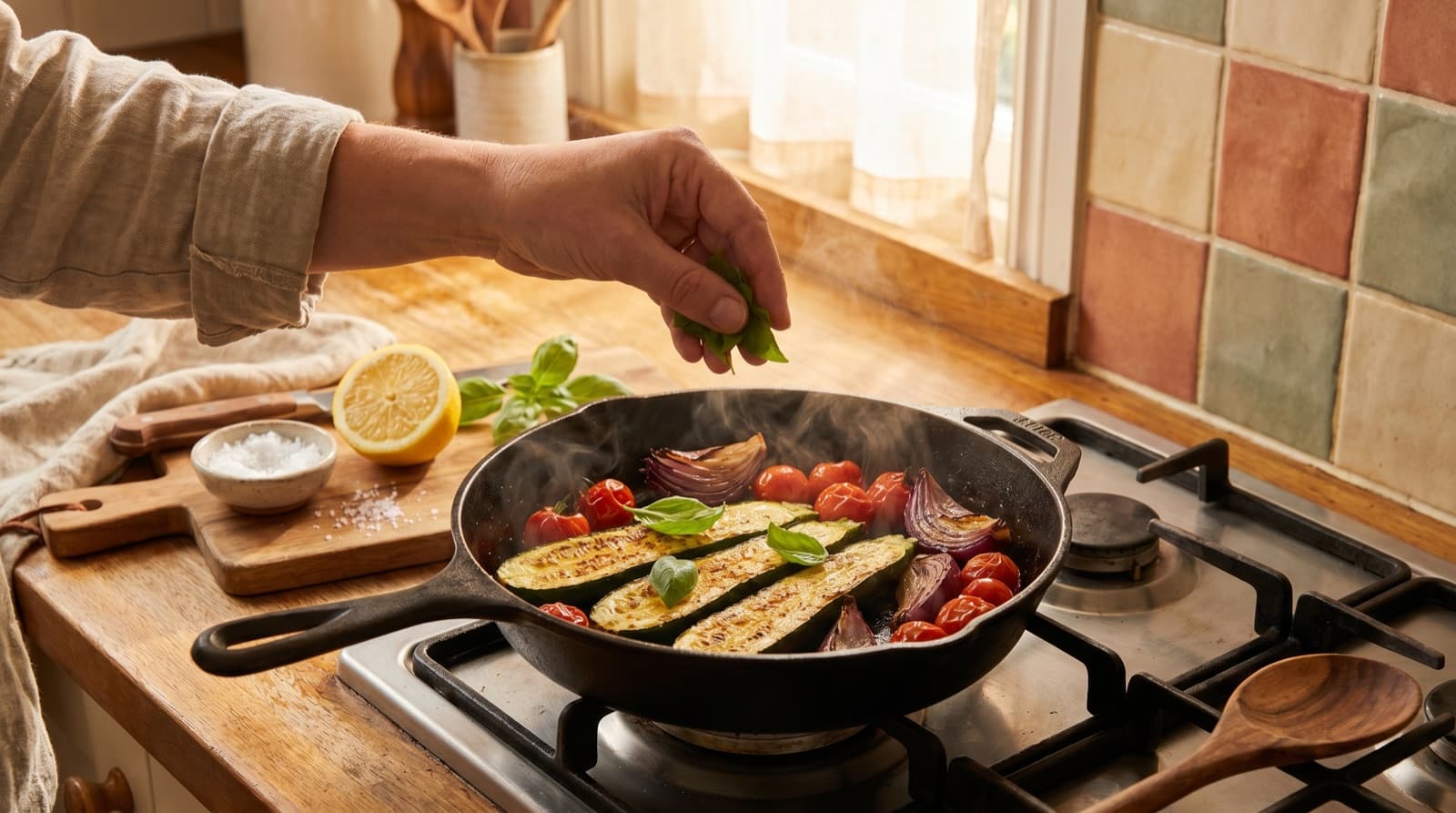
The only approach that solves every problem at once is to pull the recipe out of WhatsApp and into something built for cooking. In Pantree, you share or paste the recipe text — a message from the family chat, a forwarded recipe, a transcribed voice note — and it extracts the ingredients and method into a clean, editable recipe. Now you have:
- Just the recipe. No chat thread, no reply emojis, no scrolling — the ingredients and steps, and nothing else.
- A real ingredient list with quantities you can scale up or down, and tick off as you cook.
- A copy you own. If the message is deleted, the group is cleared, or someone leaves, your recipe is still yours — which is how a family recipe actually survives a generation.
- One library, every source. The same import works for TikTok, Instagram, Pinterest, Facebook, YouTube and any website, so your mum’s dal sits next to everything else instead of in its own silo.
- A shopping list, generated for you. The ingredients become a deduplicated list, checked against what’s already in your pantry so you don’t buy a third bag of red lentils.
That last part is the whole point. A shared recipe is worth nothing until it survives the gap between “that looks incredible” and “this is on a plate.” What kills most WhatsApp recipes isn’t bad cooking — it’s that nobody ever turned the message into a list of things to buy.
The Four-Minute Workflow That Actually Works
You don’t migrate the whole chat. You migrate the keepers. Here’s the habit worth building:
- When a recipe genuinely earns a spot — you’d cook it again, or you’re making it this week — copy the message text, transcribe the voice note, or save the forwarded image while it’s still fresh in the chat.
- Import it into your recipe keeper so it’s captured as clean text you own, with quantities you can scale — not a voice note you have to replay at the stove.
- Glance over the import, fix anything odd, and add a note — who sent it, the swap you’ll make, the detail gran always insisted on. Our guide on how to read a recipe properly helps once it’s finally laid out like a real recipe.
- Before your next shop, pick two or three saved recipes and let the shopping list build itself. Stuck on what to make? Start from your fridge instead — our guide on what to cook with what you have walks through that.
Do this for a month and the maths shift. A household that cooks the recipes it collects, instead of defaulting to a £30 takeaway because dinner felt like too much decision-making, claws back real money — the kind we broke down in how to save money on groceries. The recipe was never the expensive part. The forgetting was.
The Point
Family group chats are a wonderful place to share a recipe and a miserable place to keep one. WhatsApp is built to move messages along, not to feed you on a Tuesday — which is why mum’s dal is somehow impossible to find again three weeks later, lost under a hundred messages about the barbecue.
Stay in the chats; nothing beats a family passing food down in real time. Just don’t mistake a starred message for a recipe box. Pull the keepers into something built for cooking, with a shopping list attached, and the recipe finally escapes the chat it was going to disappear into — and becomes something you can hand on.
Frequently Asked Questions
How do I save a recipe someone sent me on WhatsApp?
You can star the message (tap and hold, then the star icon) so it lands in Starred Messages, but that's just a bookmark — it saves the text as a chat message, not as a recipe you can search or cook from. To actually keep it, copy the recipe text and import it into a recipe-keeper app like Pantree, which pulls the ingredients and method out into a clean, structured recipe with quantities you can scale and a shopping list attached. Starring remembers that the message existed; a recipe keeper remembers what the recipe was.
Where do starred WhatsApp messages go, and why can't I find recipes there?
Starred messages collect in one list across every chat you've ever starred — a train time, an address, a photo, a recipe, all mixed together in the order you starred them. There's no ingredient search, no way to group by 'dinners' or 'baking', and the list gets useless fast. Worse, a starred message still lives inside the chat: if that message is deleted, or you lose the phone, or you clear the chat, the star goes with it. It was never a copy you owned.
How do I save a recipe that came as a WhatsApp voice note?
Voice notes are the hardest to keep, because there's nothing written down at all — your aunt talks you through the curry for two minutes and you're expected to remember it. Play it back once and jot the ingredients and the key steps as text, or use WhatsApp's built-in voice-note transcription if you have it enabled, then import that text into a recipe keeper so it becomes a real, structured recipe. Otherwise you're replaying a two-minute voice note four times at the stove trying to catch how much turmeric she said.
Can I save a recipe that was forwarded as an image or screenshot?
Forwarded recipe images and screenshots are everywhere in family chats — a photo of a handwritten card, a screenshot of a blog, a picture of a cookbook page. The problem is the same as any screenshot: it's an unsearchable image, and once it scrolls up the chat it's practically gone. Save the image, then import it into a recipe keeper that reads text from photos so it becomes a proper recipe. We go deeper on photographed and screenshotted recipes in our guide on organizing Instagram recipes and screenshots.
Is there an app that imports recipes from WhatsApp?
Yes. Pantree lets you paste or share recipe text — a message from a family chat, a forwarded recipe, a transcribed voice note — and it extracts the ingredients and method into a clean, editable recipe. The same import works for TikTok, Instagram, Pinterest, Facebook, YouTube and any website, so a recipe from your mum's group chat ends up in one searchable library alongside everything else, instead of buried three thousand messages up.
Is it OK to save a family recipe someone shared in a chat?
For your own personal use, absolutely — that's what family recipes are for. A list of ingredients isn't protected by copyright; it's photos and long written narratives that are. Keeping a private copy of your gran's dal so you can cook it for years is exactly the kind of personal use recipes are meant for. In fact, capturing family recipes properly is how they survive at all — a chat message is one deleted account away from gone, and a recipe keeper is where it becomes something you can pass on.
Get the family recipes out of the group chat.
Paste a message or voice-note recipe into Pantree and get a clean recipe with a shopping list — no chat thread, no scrolling. Free on the App Store.