How to Digitize Grandma’s Handwritten Recipes (Before You Lose Them)
The recipe box on top of the fridge. The index cards in your mother’s drawer. The cookbook with twenty years of marginalia. Here’s how to digitize handwritten recipes properly — so the family can still cook from them in 2050.
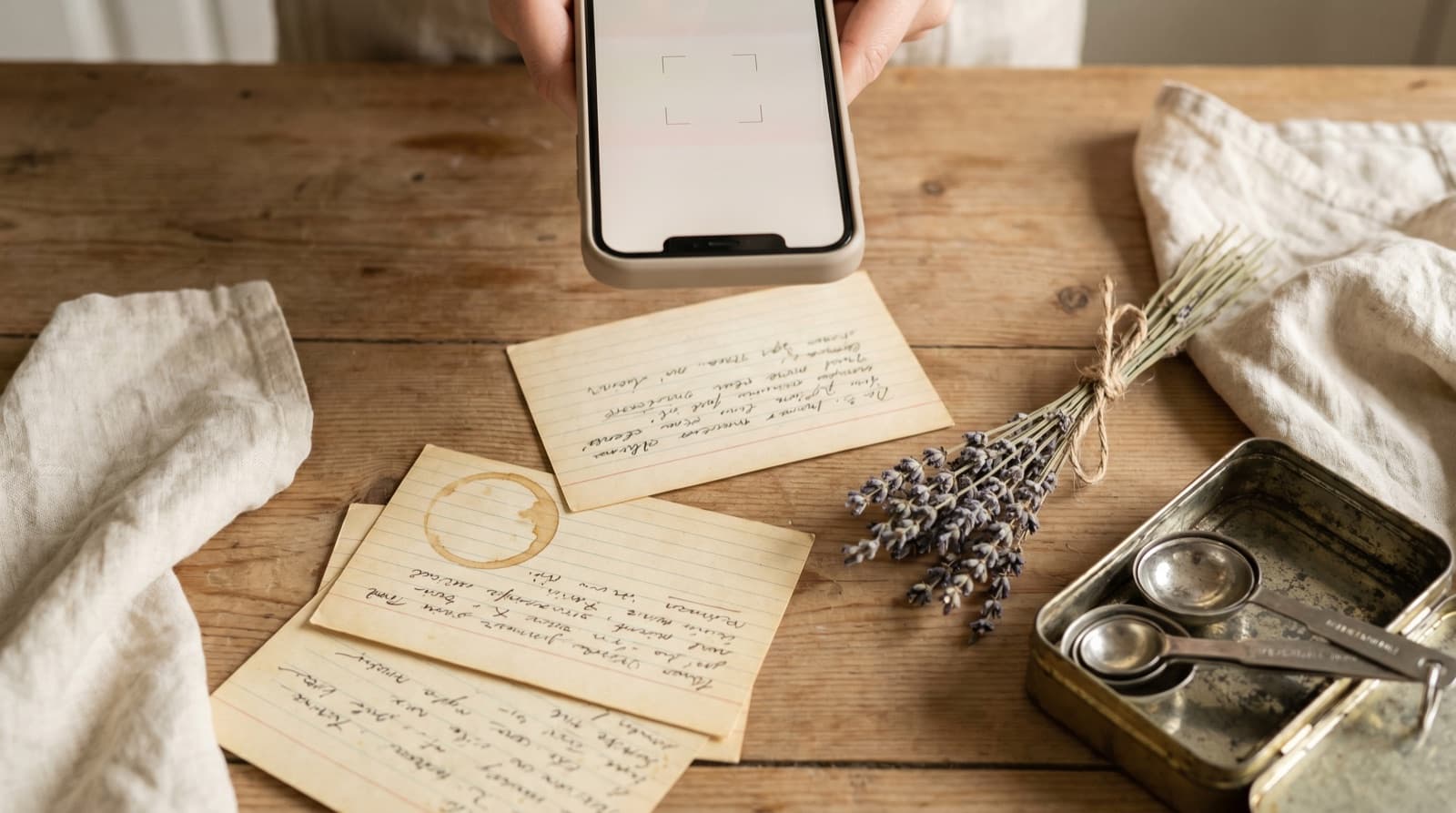
There is a recipe box on top of someone’s fridge that contains, on a single butter-stained index card, the only known copy of your grandmother’s pie crust. The handwriting is small and slanted and lists the flour quantity in a fraction nobody under forty can read at a glance. The corner is browned from a long-ago oven. If that card disappears — a damp drawer, a house move, a relative tidying “decisively” — the recipe disappears with it.
This isn’t hypothetical. Most family recipe collections lose 10–20% of their cards over a generation, and it’s the used ones that go first, because handling wears them out. The recipe nobody cooks survives untouched in the back of the tin. The one everyone wants is on the card that’s falling apart.
Digitizing handwritten recipes is the only reliable backup. Done properly, it turns a single fragile card into a searchable, shareable, cookable recipe that ten cousins can use on the same Sunday afternoon. Done badly, it’s another 400 photos in your camera roll between screenshots of parking signs.
Why a Photo of the Card Isn’t Enough
The instinct is to point a phone at the card and call it done. That’s the same instinct that turns Instagram bookmarks into a graveyard, and it fails for the same reason: a photo isn’t a recipe. We made the same argument about recipes from Instagram and screenshots, and handwritten cards face the same three structural problems, plus a fourth that’s specific to them:
- A photo isn’t searchable by ingredient. You can’t ask “which of Grandma’s recipes use buttermilk?” You have to scroll, visually, through 60 nearly identical photos of cards on different counters.
- A photo can’t generate a shopping list. The Sunday lunch you want to cook contains six recipes. Six photos give you nothing. Six structured recipes give you one deduplicated list.
- A photo can’t scale. Grandma’s pie feeds four; you have eight coming. With a photo you’re doing fractions in your head over a hot oven. With a structured recipe you tap a button.
- Handwritten recipes carry “invisible” context. The note in the margin — “use the good butter,” “Maureen does this with rosemary,” “cook longer at altitude” — is the recipe. A photo preserves the ink. Only deliberate digitizing preserves the meaning.
The Setup That Makes the Difference
OCR (the software that reads text in images) is the bottleneck. Modern handwriting recognition is genuinely good at neat block printing and only patchy on shaky cursive. The single highest-leverage thing you can do is shoot the card properly, because a clean image is the difference between a 70% accurate draft and a 95% one.
The setup costs nothing:
- Daylight, indirect. Lay the card near a window on an overcast day, or in shade if it’s bright. Avoid overhead kitchen lights — they cast hard shadows that the software reads as ink.
- A plain, matte surface. A wooden counter is fine; glossy granite isn’t. Reflections wreck OCR.
- Card flat. Press the corners down. A curl reads as a smudge. If the card refuses to lie flat, weight the corners with two clean spoons.
- Phone parallel to the card. Hold the phone directly over the card, not at an angle, and fill the frame. Take two or three shots and pick the sharpest.
Don’t pre-crop. The recipe-keeper does a better job of finding the card’s edges than you do, and a wider frame gives it more to work with.
The Digital Library That Actually Pays You Back
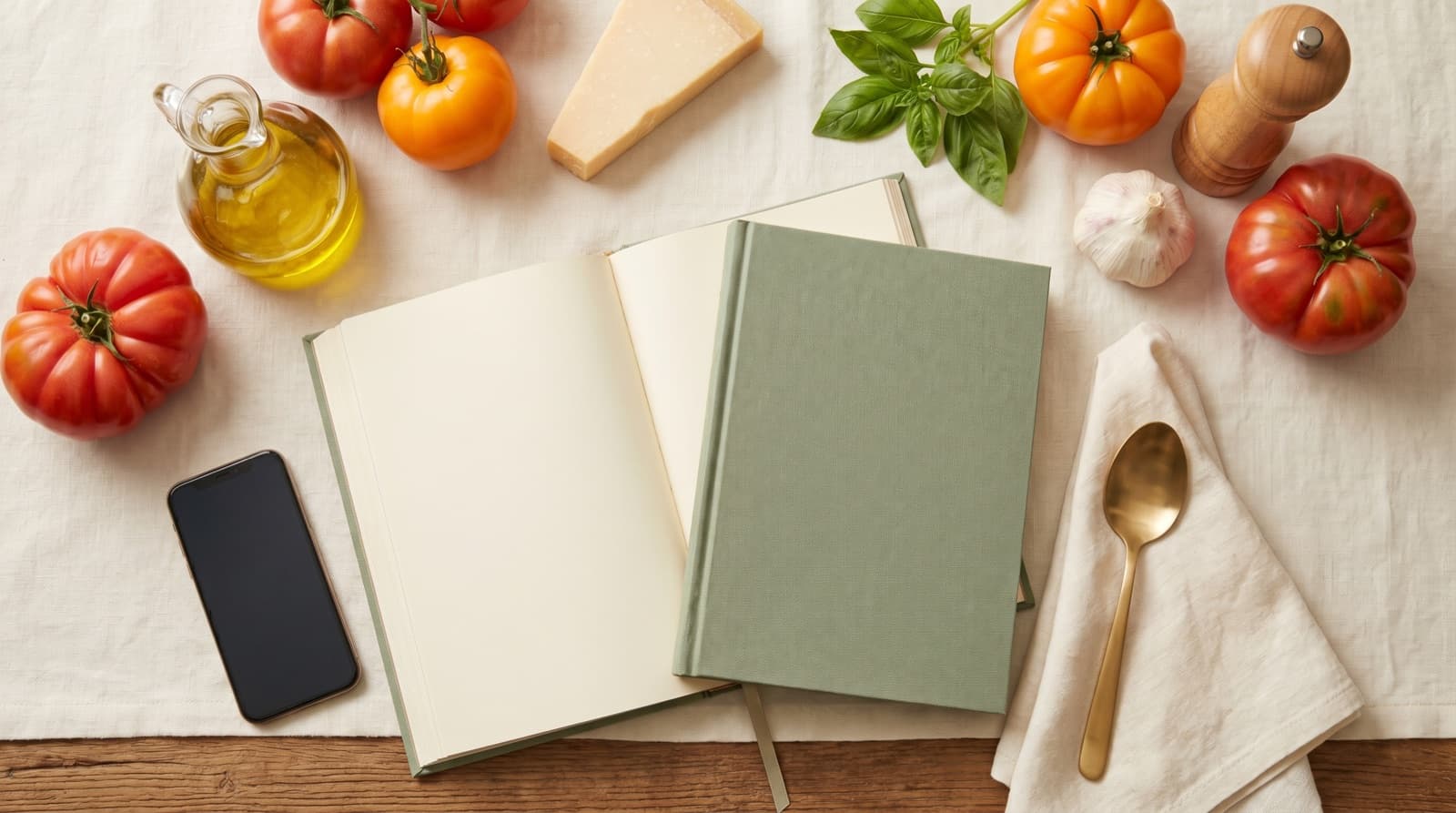
Once the photo is taken, the goal is to land it in a recipe-keeper that gives you something to cook with, not something to scroll past. In Pantree, you import the photo, it extracts a draft, and you get:
- A real ingredient list, editable, with quantities in your preferred units. Fractions become decimals or stay as fractions; either way they’re no longer smudged.
- A method you can read at a glance, step by step, not a paragraph in faded biro.
- The original photo, attached. The card is the heirloom. Keep it. The digital copy is for cooking.
- One library, every source. Grandma’s pie crust sits next to the TikTok ramen and the Instagram tahini cookie. Different decades, same kitchen.
- A shopping list, generated for you, deduplicated against what’s already in your pantry. Sunday lunch isn’t five recipes any more, it’s one list.
The One-Evening Project
A whole recipe tin feels overwhelming. It isn’t. Most collections are 40–120 cards, and most cards take 90 seconds once you have a workflow. That’s an evening with a glass of something, not a weekend.
- Lay the tin out on the kitchen table. Sort into three piles: cook regularly, cook sometimes, and too damaged or weird to attempt yet.
- Start with the regulars. They’re the ones most worth insuring, and most worth getting right.
- Photograph card, import, fix the draft against the original. Move to the next card. Don’t perfect-fix everything; the recipe you cook tomorrow gets a 5-minute pass, the one you cook annually gets a 30-second one.
- When you hit a card that’s mostly faded, photograph it anyway and type the recipe in by hand. The photograph is the archive even if the OCR fails — same logic we used for the camera-roll graveyard.
- File the originals into an acid-free archival box, flat. Not in the kitchen. Heat, steam and grease are how recipe collections die.
The bonus payoff is the side-jobs the digital library does for you even after the project: it pairs the recipes against what’s in the fridge, the way we describe in what to cook with what you have, and it lets you plan a week of mostly-Grandma meals using the framework from how to build a weekly meal plan. Three hours of digitizing buys you, conservatively, a decade of faster Sunday lunches and a household that wastes less food because nothing’s sitting in the fridge waiting to be remembered.
What to Do With the Originals
Keep them. This is the part people get wrong — digitizing is not a permission slip to throw the cards out. The digital copy is for cooking; the original is the heirloom.
- Acid-free archival box, from any decent stationery or photography shop. Cheap and the right move.
- Flat, not stacked vertically. Cards bend over decades; flat storage outlives standing-in-a-tin by a long way.
- Not in the kitchen. A cool wardrobe shelf or a study drawer is fine. Kitchens are the worst place for paper.
- Not in the loft. Heat cycles and damp will eat cards faster than a kitchen tin.
The Point
The recipes that survive a generation aren’t the ones with the best handwriting; they’re the ones somebody bothered to copy. Digitizing is the modern version of that — cheaper, faster, and dramatically better at the things a paper card was never going to do: search, scale, share, shop. The card on top of the fridge becomes a recipe on every cousin’s phone, and the butter-stained corner is preserved as a photo nobody has to handle to read.
One evening. A glass of something. A phone, a window, and a tin of cards. The pie crust survives 2050.
Frequently Asked Questions
What's the best way to digitize a handwritten recipe?
Photograph the card flat, in even daylight, then run it through a recipe-keeper app that turns the image into a structured recipe — ingredients on one side, method on the other, both editable. A flat scan plus OCR catches roughly 80–90% of the words; you fix the rest. The point isn't a photo in your camera roll — it's a recipe you can search, scale and shop from.
Can I just take a photo of the recipe card?
You can, but a photo isn't a recipe. It's not searchable by ingredient, it can't generate a shopping list, it can't be scaled from four to eight portions, and it sits in your camera roll between a screenshot of a parking sign and a picture of your dog. Always keep the original photo as the archive, but extract the recipe into structured text if you actually want to cook from it.
What about handwriting OCR — does it actually work on Grandma's cursive?
Modern handwriting recognition handles neat block printing well and shaky cursive imperfectly. Expect to correct a few lines, especially fractions (½ vs ¼), faded numbers and ingredient names with regional spellings. Treat OCR as a first draft that saves you 80% of the typing — not a finished recipe. The fastest workflow is: scan, let the app extract, then read the recipe through once next to the original card and fix the obvious wrong-uns.
How do I share family recipes with siblings and cousins once they're digitized?
Once a recipe lives as structured text in a recipe-keeper app, sharing is just sending a link or exporting a file — the rest of the family can save it to their own library and cook from it without owning the original card. That's the real reason to digitize: one card, owned by one person, becomes a recipe ten relatives can cook from on the same Sunday.
What should I do with the original recipe cards after digitizing?
Keep them. Digitizing is for cooking and searching; the originals are heirlooms. Store the cards flat in an acid-free archival box, away from heat, damp and direct sun — kitchens are the worst place for them. The whole point of digitizing is that you can keep cooking the recipes without handling, splashing or losing the originals.
Will my handwritten recipes survive if I just leave them in a tin?
Probably not, no. Recipe cards in a kitchen tin face heat cycles from the oven, humidity from boiling pots, grease splashes, and the slow yellowing of cheap paper. Most family recipe collections lose 10–20% of their cards over a generation — usually the ones used most, because handling wears them out. Digitizing is the only reliable backup.
Save the recipe, not just the photo.
Snap a handwritten card into Pantree and get a real recipe with a shopping list. Free on the App Store.