One moment
Setting the table…
Setting the table…
Your grandmother's handwritten lasagna card. The cookbook page you keep flagging with sticky notes. The magazine clipping from 2014 that's stuck to the fridge. Snap a photo with Pantree and it becomes a real, searchable, structured recipe in seconds.

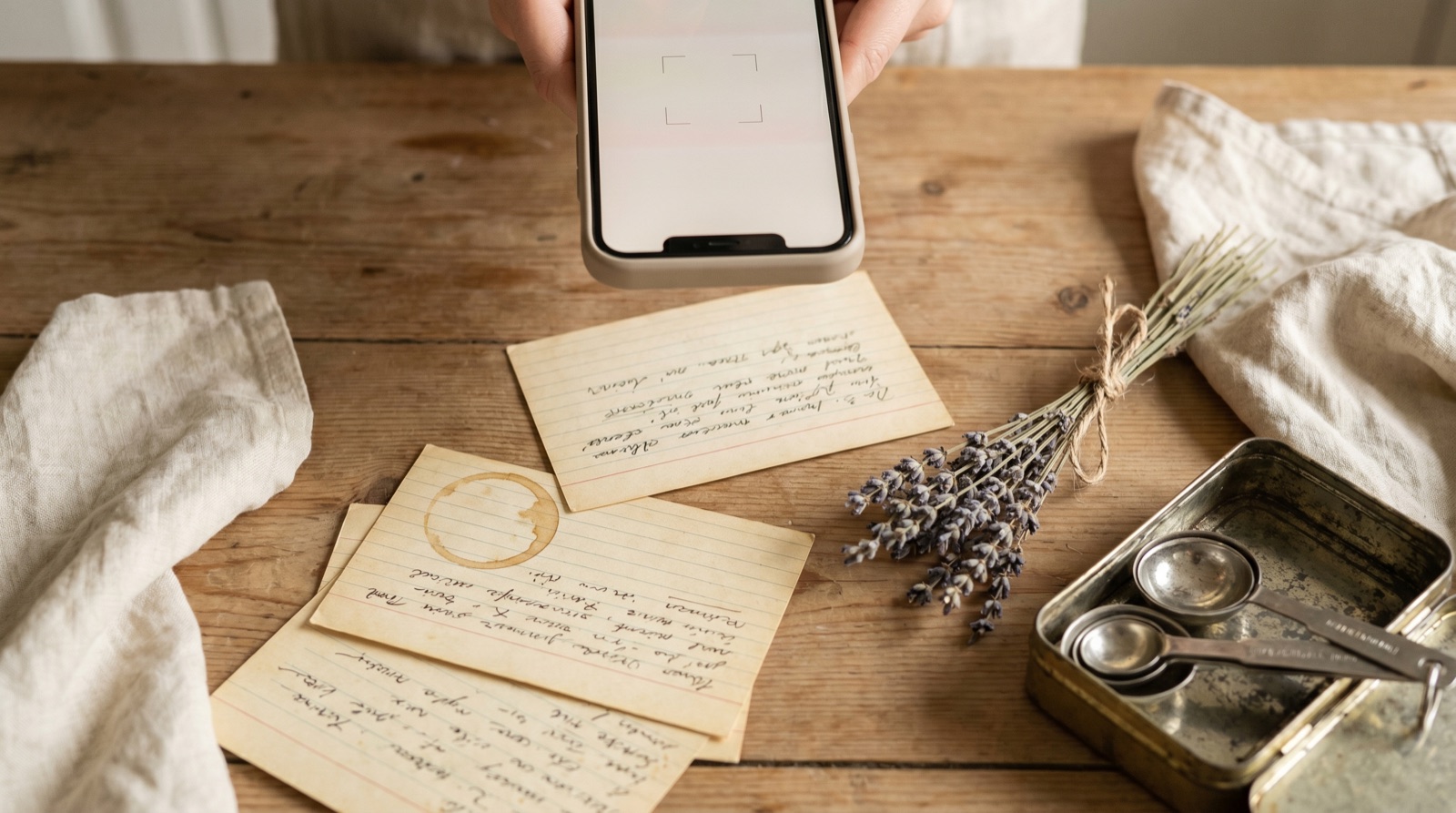
Open Pantree, tap the + icon to add a recipe, and choose 'From Photo'. Your camera opens.
Photograph a cookbook page, a handwritten index card, a magazine clipping, even a printed-out email. For multi-page recipes, capture each page in sequence.
OCR extracts the text, including handwriting in most cases. The recipe parser then organises it into a clean ingredient list with quantities and numbered steps.
Pantree shows you the parsed result. Fix anything OCR got wrong (handwriting can be tricky), tap Save, and the recipe is in your library forever.
Most recipe apps assume your recipes start digital: a URL, a social post, a typed entry. They have nothing for the boxes of index cards in your kitchen drawer, the cookbooks on your shelf, or the printout of your mother-in-law's casserole that you'd quietly mourn losing.
Photo import is how you bring that whole archive into the same library as everything you save from <a href="/how-to-save-tiktok-recipes">TikTok</a>, <a href="/how-to-save-instagram-recipes">Instagram</a>, and <a href="/how-to-save-youtube-recipes">YouTube</a>. One place, one search, every recipe: old and new.
Once your scanned recipes are in Pantree, they're connected to your <a href="/features/pantry-tracker">pantry tracker</a>. Pantree tells you which scanned recipes you can cook tonight with what's already in your kitchen. See our guide on <a href="/blog/what-to-cook-with-what-you-have">what to cook with what you have</a> for the framework behind that.