Free · iOS

Save YouTube recipes
in one tap.

The 30-minute Kenji video. The viral pasta tutorial you keep meaning to try. The chef channel you subscribed to last year. Pantree turns any YouTube cooking video into a proper recipe — no more pausing, scrubbing, or scribbling notes.

Download Pantree on the App Store
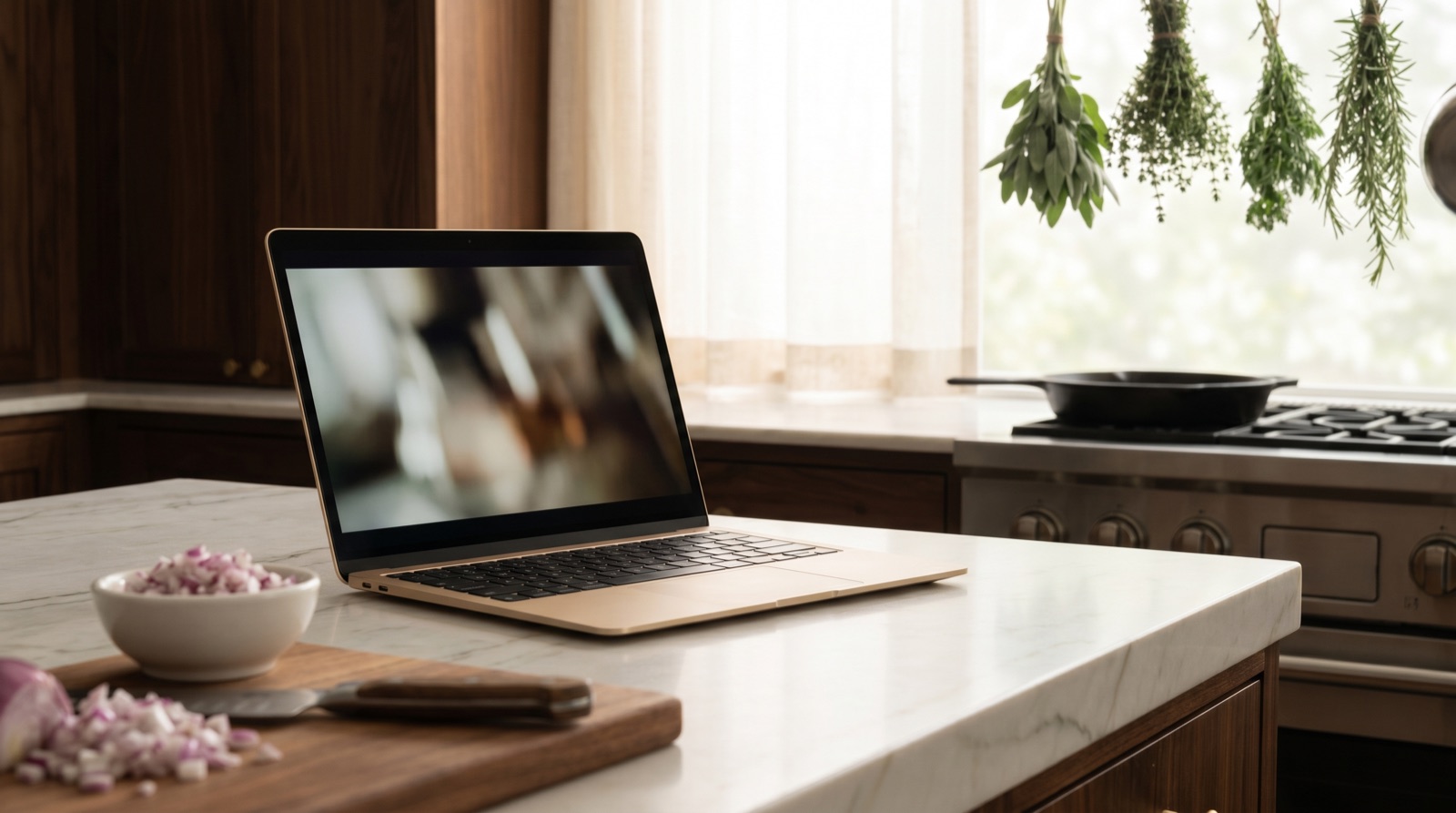
A slim laptop on a marble kitchen counter showing a cooking video, with chopped onions and a chef's knife on a wooden board in the foreground, herbs hanging in a softly blurred background

How it works

01
Open the YouTube video
Find the cooking video you want to keep. Tap the Share button under the video.
02
Tap Share → Pantree
In the share sheet, scroll to find Pantree and tap it. Or copy the link and paste it directly into Pantree.
03
Recipe imported automatically
Pantree reads the video description, transcript, and chapter timestamps to pull out the recipe name, ingredients, steps, and cook time.
04
Cook it whenever you're ready
The recipe lives in your library forever — searchable by ingredient, matched against your pantry, ready to cook.

Why YouTube subscriptions don’t replace a recipe library

YouTube’s “Watch Later” and playlists were built for videos, not recipes. You can’t search by ingredient. You can’t see at a glance whether you can cook something with what’s in your fridge. And when you’re actually at the stove, hands wet, scrubbing back and forth through a 20-minute video to find the bit about how much salt is the worst.

Pantree converts the video into a structured recipe with a clean ingredient list and numbered steps. It lives in your recipe library alongside everything else you’ve saved — from TikTok, Instagram, food blogs, photos, or typed in by hand.

What Pantree extracts from a YouTube video

  • Recipe name — from the title, description, or chapters
  • Ingredients — from the description, pinned comment, or transcript
  • Step-by-step instructions — using chapter timestamps where available
  • Cook time and serving size
  • Source credit — the original channel is saved with the recipe

Then match recipes to what’s in your kitchen

Once a recipe is in Pantree, it’s connected to your pantry tracker. Pantree tells you which of your saved YouTube recipes you can cook right now with what you have, and which ingredients you’d need to buy for the rest. Or ask the AI Chef: “What can I cook tonight from my saved videos?” — see also our framework on what to cook with what you have.

Common questions

Does Pantree work with YouTube Shorts and long-form videos?
Yes — Pantree works with both YouTube Shorts and full-length cooking videos. For longer videos, it uses chapter timestamps and transcripts where available to map the recipe steps accurately. For Shorts, it relies on the description and on-screen text.
What if the recipe is in the comments rather than the description?
If the description has nothing useful, Pantree will check the pinned comment and top comments. Many YouTube cooks pin the full recipe as the first comment — Pantree picks that up automatically.
Can I save recipes from cooking channels I subscribe to?
Yes. Save individual videos one at a time using share or paste-link. We don't auto-pull every video from a channel (that would clutter your library) — but every saved recipe credits the original creator.
How many YouTube recipes can I save?
Free Pantree users can import 10 recipes per month from any source. Premium users get unlimited imports. Manual recipes have no limit.
What if a video has no recipe text at all — just the cook talking?
Pantree can transcribe spoken audio and reconstruct the recipe from the cook's instructions in most cases. If the result is partial, you can edit any field directly in the app — add missing ingredients, fix steps, or correct timing.

Stop scrubbing through videos.

Pantree is free to download. Save your first YouTube recipe in under a minute.

Download Pantree on the App Store

Free · iOS · No credit card needed