One moment
Setting the table…
Setting the table…
Pick your recipes. Pantree builds the list. No duplicates, no buying something you already have, no arguments with your flatmate about who bought the eggs.
The shopping-list problem sounds simple until you solve it properly. Manually adding ingredients for four recipes means copying the same onion three times, forgetting the garlic you only need half a clove of, and buying pasta you already have a kilo of.
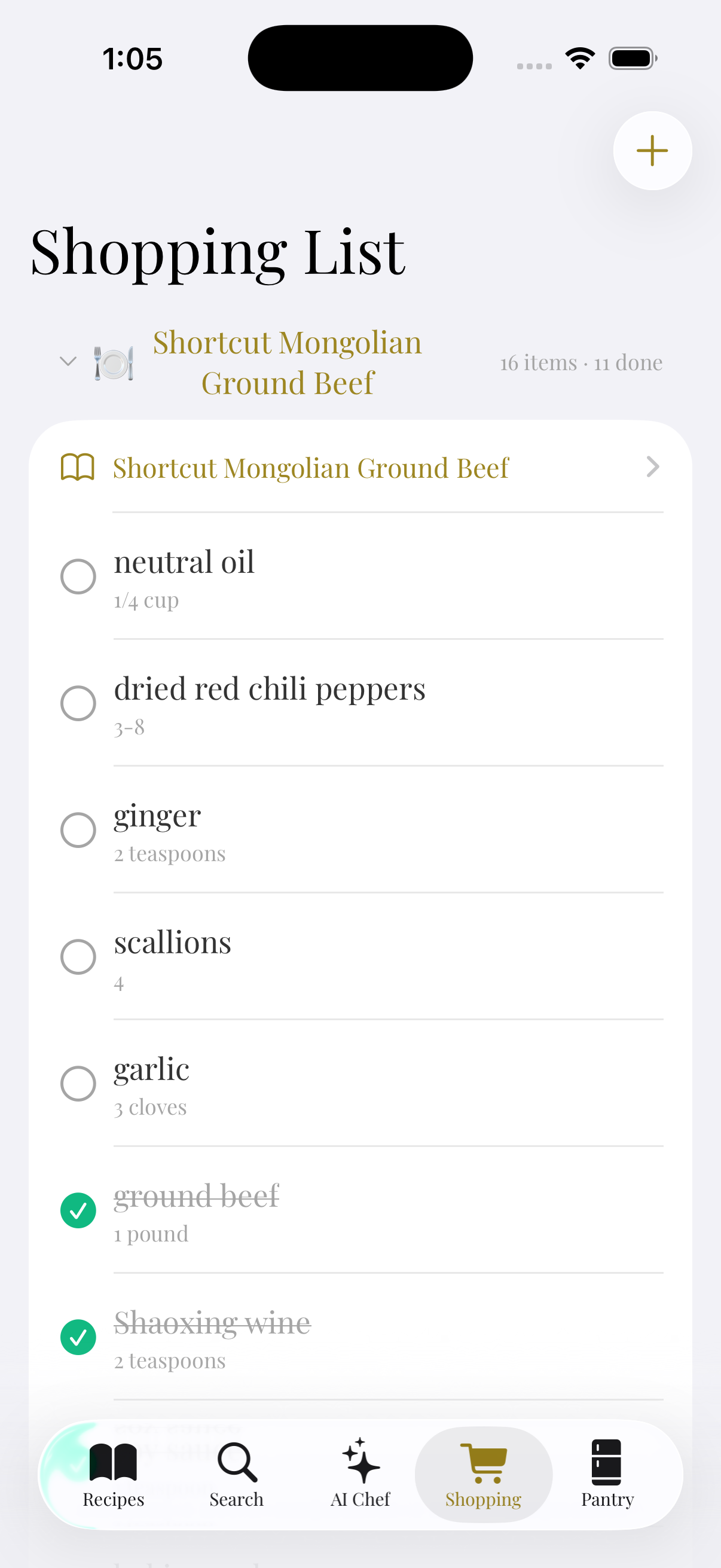
Pantree builds the list for you. Pick the recipes you want to cook this week, and Pantree consolidates duplicate ingredients across them, cross-references your pantry to skip what you already own, and groups everything by supermarket aisle so you shop in one pass.
Tag the recipes you want to cook this week, or let Pantree suggest a week of meals based on your pantry and preferences.
If three recipes need onions, your list shows one line item with the combined quantity, not three separate entries.
Pantree cross-references your pantry. If a recipe calls for olive oil and you have olive oil, it doesn't go on the list.
Everyone in the household sees the same list in real time. Tick items off as you shop; the app moves them into your pantry automatically.
Free on the App Store. No credit card, no trial clock.