How to Save Recipes from Patreon (Before You Cancel Your Membership)
Patreon has no export button and no recipe search. Cancel your membership and the entire archive of exclusive recipes locks up. Here is how to get them out while you still have access.

Patreon started as a platform for musicians and podcasters. It is now one of the most active places on the internet for exclusive food content. Independent recipe developers, food scientists, and professional chefs use Patreon to share the recipes they deliberately keep off YouTube and Instagram — the fully tested versions, the detailed step-by-step photo guides, the seasonal meal plans, the patron-only cookbooks that never get a commercial release.
The problem is structural and identical to every other subscription recipe platform: the recipes live on Patreon’s servers, not yours. Cancel your membership, let the billing lapse for a month, or switch to a lower tier, and patron-only posts vanish behind a paywall. There is no export button. There is no CSV download. There is no “save my archive before I leave” feature. Everything you have cooked from, bookmarked, and planned to make again is gone the moment your membership ends.
What Happens When Your Patreon Membership Lapses
Patreon’s access model is straightforward: you pay for a tier, you see the posts at that tier and below. Stop paying, and patron-only posts lock up. The exact behaviour depends on the creator’s settings — some grant permanent access to posts published during your membership, others lock everything immediately — but you cannot know which policy applies until it has already happened. The safest assumption is that access ends when your billing period ends.
Free posts remain visible regardless of membership status. But most food creators on Patreon operate on an explicit tiered model: free-tier followers get teasers and occasional general content, while the actual tested recipes, ingredient sourcing notes, and cooking troubleshooting guides are behind the paywall. That is the product you are paying for. When you stop paying, that is the product that locks.
The practical consequence: a year of Patreon membership can build up dozens of exclusive recipes you have cooked and rely on. Lose access and you are not just missing future content — you are losing the archive you have already used to build your cooking repertoire.
The Other Problem: Patreon Has No Recipe Features
Even for active patrons, Patreon is an awkward place to store recipes. The platform is designed for long-form posts and community interaction, not for structured recipe data. This creates three friction points that accumulate over time:
- No ingredient search. You cannot search a creator’s archive by ingredient. If you want to find the recipe that uses up the half-tin of coconut milk in your fridge, you are manually scrolling through months of posts.
- No shopping list generation. Patreon posts do not know what “ingredients” means. You cannot tap a recipe and push its ingredients to a shopping list. You are re-reading and manually writing things down.
- Recipes are buried in post content. A Patreon post typically mixes a recipe with creator notes, behind-the-scenes context, Q&A responses, and community updates. The recipe itself is not extracted from the noise — it is part of it. Finding it again three months later requires scrolling past everything else.
Importing Patreon recipes into Pantree solves all three problems at once. The recipe becomes a structured entry with separate ingredient and method fields, searchable by ingredient, and connected to Pantree’s shopping list. You also own it outright — Pantree access does not expire.
Method 1: Copy the Recipe Text into Pantree
Most Patreon food content is published as long-form posts rather than structured recipe pages. That means URL import is less reliable here than on dedicated recipe sites. The consistent method is copy-paste:
- Open the Patreon post while you are logged in as an active patron.
- Scroll to the recipe section. Select everything from the ingredient list through the final method step. Include the title, yield, and any timing notes.
- Copy the selection.
- Open Pantree and tap + → Text import.
- Paste. Pantree parses the raw text into a structured recipe with ingredients separated from method.
- Review the parsed result and adjust any quantities or steps that need tidying. Save.
For most recipe posts, the import takes less than two minutes per recipe. Pantree handles a wide range of formatting — bulleted ingredients, numbered steps, inline quantities — and structures them consistently regardless of how the creator laid out the original post.
Method 2: URL Import (When the Creator Has a Personal Site)
Many food creators who run a Patreon also maintain a personal website or newsletter where they occasionally publish the same recipe in a slightly different form. If a recipe appears on both Patreon and a personal site or email newsletter, use Pantree’s URL import on the publicly accessible version — it is faster than copy-paste and more reliably structured.
Some creators also publish free “preview” versions of Patreon recipes on their public site. The patron version may include additional notes or variations, but the core recipe is often identical. Import the public version via URL, then add any patron-exclusive notes manually.
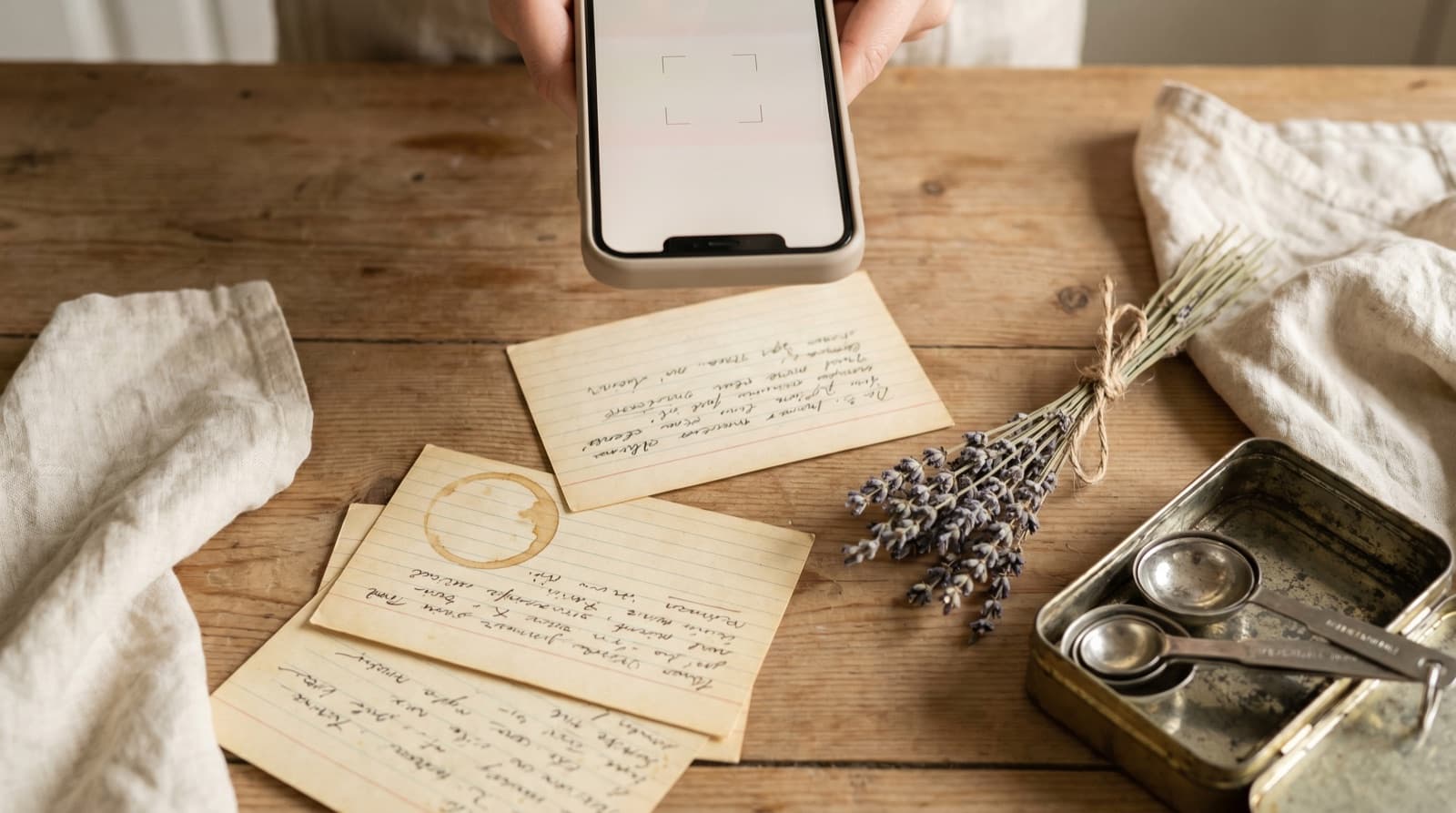
How to Work Through a Patreon Archive Before Cancelling
If you are thinking about cancelling a Patreon membership, the right time to save recipes is before the billing date, not after. Here is a systematic approach:
- Go to the creator’s Patreon page and filter posts by your membership tier. Most creators tag recipe posts separately from other content — look for a tag or category that lets you isolate them.
- Scroll through the archive and identify which recipes you have actually cooked or genuinely intend to cook. Be honest: you probably saved 40 and cooked eight.
- Open each keeper, copy the recipe text, and import into Pantree. For a shortlist of 10 to 15 recipes, allow 20 to 30 minutes.
- Set a calendar reminder three days before your next billing date. That gives you a deadline and ensures you still have full access when you sit down to do this.
If you have an extensive archive — creators who have been posting weekly recipes for two or three years can have 100+ recipe posts — do this over two sessions rather than trying to save everything in one go. Prioritise the recipes you have already cooked first; aspirational saves can wait for the second pass.
What to Do If Your Membership Has Already Lapsed
If you have already cancelled and lost access to patron-only posts, your options are limited but not zero:
- Check free-tier posts. Log in to Patreon with a free account and browse the creator’s public posts. Some creators publish recipe round-ups or taster versions at the free tier. Import anything accessible.
- Check the creator’s other platforms. Many Patreon food creators cross-post recipe content to their newsletter, personal website, or YouTube. The Patreon version may have more detail, but a public version of the same recipe is often findable with a search.
- Rejoin for one billing period. At £5–£10 per month for most food creator tiers, a one-month resubscription to save the recipes you rely on costs less than a single cookbook. Import everything worth keeping, cancel before the next billing date.
Patreon Is Part of a Larger Fragmentation Problem
Patreon is one instance of a pattern that plays out across every platform where recipes live. The recipes you save on NYT Cooking, the ones you favourite on TikTok, the ones buried in your Notes app, and the ones you pay for on Patreon all have the same structural problem: they exist on someone else’s servers, under someone else’s terms of service, accessible only as long as the platform decides to show them to you.
A recipe you import into Pantree is a different thing. It is a permanent, structured entry in your own library. The creator could delete their Patreon tomorrow. The platform could change its access model, raise prices, or shut down. None of that affects a recipe you already own in Pantree. The subscription gave you access to discover and use the recipe; importing it into your library makes that discovery permanent.
Patreon memberships are worth maintaining as long as a creator is actively producing content you cook from. The moment you have saved the recipes that matter, whether you continue the membership or not becomes a question of future discovery, not access to past recipes. That is the only sustainable position to be in with any subscription recipe platform.
Frequently Asked Questions
Do you lose access to Patreon recipes when you cancel?
Yes, for patron-only posts. When you cancel a Patreon membership, you lose access to all posts that were gated at your tier level — including any recipe posts the creator marked as patron-only. Free posts remain visible, but most food creators put their actual recipes behind a paywall. Any recipe you want to keep cooking needs to be saved somewhere you own before you cancel.
Does Patreon have an export or download feature for posts?
No. As of 2026, Patreon has no official feature to export, download, or bulk-save posts — including recipe posts. Creators can export their own content, but as a patron, you have no export option. The only way to keep a recipe from a Patreon post is to manually copy it into a recipe manager like Pantree while your subscription is active.
Can I still read old Patreon posts after cancelling?
It depends on the creator's settings. Some creators set their posts to remain visible to former patrons indefinitely; others lock patron-only posts the moment your membership lapses. You cannot know in advance which policy a given creator uses. The only safe assumption is that access ends when your billing period ends — so save any recipe you want to keep before then.
How do I import a Patreon recipe into Pantree?
Open the Patreon post containing the recipe while you are logged in as an active patron. Select and copy all the recipe text (ingredients, method, notes). Open Pantree on your iPhone, tap + → Text import, and paste. Pantree parses the raw text into a structured recipe with ingredients, quantities, and steps. If the creator has also published the recipe on a personal website or newsletter, use Pantree's URL import instead — it's faster than copy-paste.
Which food creators publish recipes on Patreon?
Hundreds of independent food creators use Patreon for exclusive recipe content. Popular examples include recipe developers who publish patron-only cookbooks, tested recipe variations, and extended step-by-step photo guides for dishes they cover briefly on YouTube or Instagram. The common pattern: free content on public platforms, full tested recipes behind the Patreon paywall. If you follow any food creator closely enough to pay for a Patreon membership, there are almost certainly recipes in that archive worth saving.
Is saving a Patreon recipe for personal use acceptable?
Saving a recipe to a private recipe manager for your own personal cooking is broadly accepted practice. You paid for access to the content during your membership; keeping a personal copy in your own library is the equivalent of writing a recipe down in a notebook. What is not acceptable is redistributing someone else's recipes publicly or commercially. Always treat Patreon recipe content with the same respect you would give a cookbook author.
Save your Patreon recipes before the archive locks.
Import any recipe into Pantree for a permanent, searchable copy with a shopping list — no subscription required to access it. Free on the App Store.