The Best Apps to Cook With What You Already Have
You don’t need more recipes. You need to know what to do with the half-bag of spinach, the lonely chicken thigh and the tin of chickpeas you forgot you bought. Here are the apps that turn “there’s nothing in” into dinner — and the one feature that separates the useful ones from the rest.
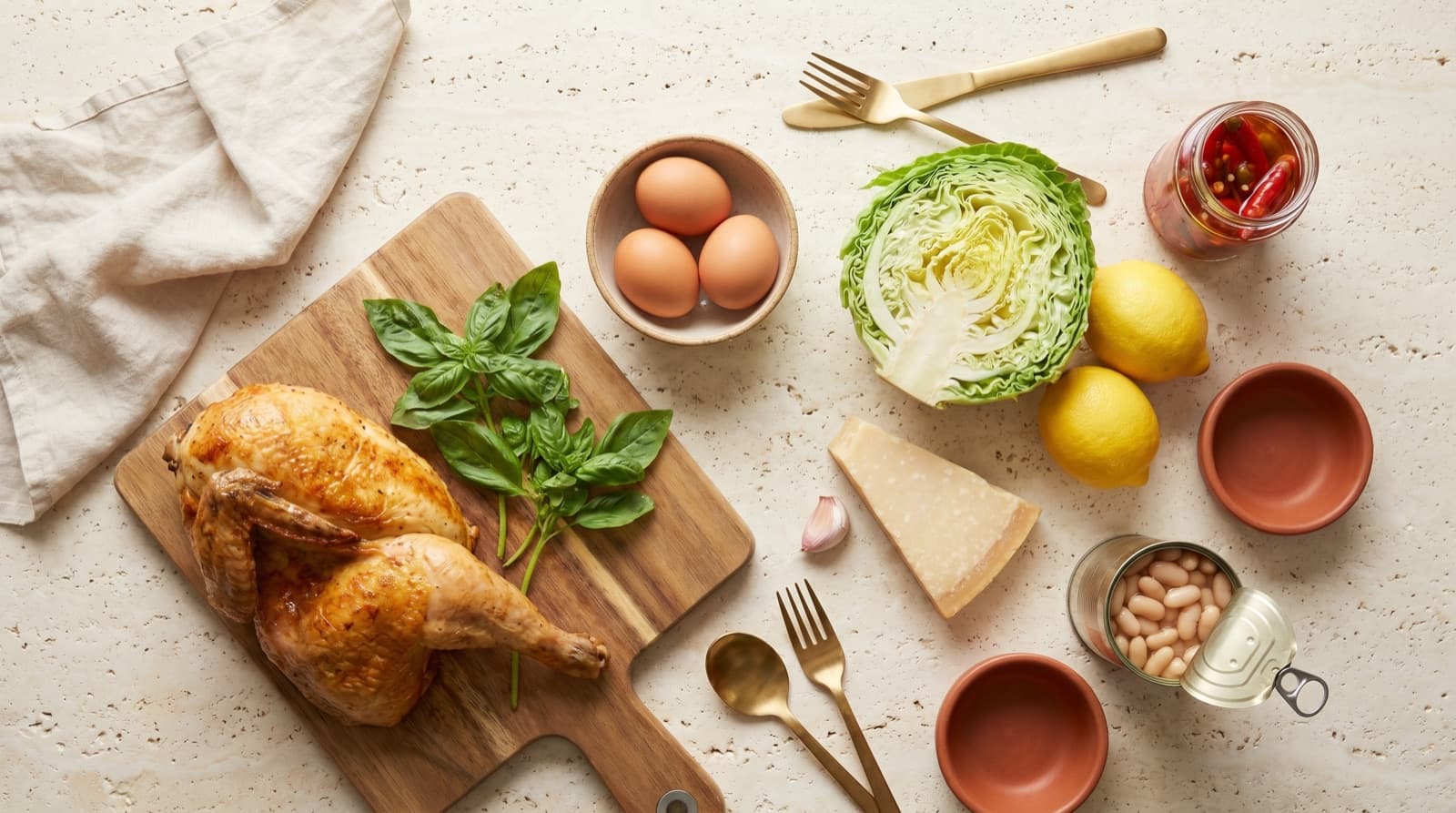
There’s a specific kind of 6pm paralysis: you’re hungry, you don’t want to shop, and you’re staring into a fridge that contains ingredients but no obvious meal. The instinct is to open a recipe app and browse — which is exactly backwards, because recipe apps are built around the recipe, not around what you happen to own. You find something gorgeous, scan the ingredient list, and discover it needs five things you don’t have.
What you actually want is the reverse lookup: here’s what I’ve got, tell me what it becomes. That’s a different category of tool, and a handful of apps do it well. Here’s the honest rundown.
The “Type Your Ingredients” Apps
These are the classics. You enter what you have, they return recipes you can mostly make, and they flag the one or two extras you’d need. Great for a quick idea; the friction is that you start from a blank box every single time.
SuperCook — the best free starting point
SuperCook is the one most people mean when they say “the app that tells you what to make.” You tick off ingredients from a visual pantry — no typing full names, no account required — and it instantly narrows millions of recipes to ones you can cook now, sorted by how few extra items you’d need. It’s free, runs on web and mobile, and it’s genuinely good at the core job. The limit: it forgets you the moment you close it, so every session is a fresh re-entry of your kitchen.
MyFridgeFood — fast and dead simple
MyFridgeFood works on the same principle with a tighter, more home-cook recipe set. You check boxes for what’s in your fridge and cupboard and it shows meals you can make, including ones you’re a single ingredient short on. Less polished than SuperCook, but quick and unfussy, and the recipes skew weeknight-realistic rather than aspirational.
BigOven — “Use Up Leftovers”
BigOven has a dedicated Use Up Leftovers feature: put in up to three leftover ingredients and it suggests dishes built around them. It’s aimed squarely at the “half a roast chicken and some rice” problem. The recipe search is free; the leftover tool and larger recipe folders are part of its paid tier, so it’s freemium rather than free.
The Big Recipe Banks (Searchable by Ingredient)
Allrecipes and Yummly aren’t ingredient-first apps, but both let you filter an enormous library by ingredients you have (and ingredients you want to avoid). If your “what I have” is really one hero ingredient — a glut of courgettes, a packet of mince — these are excellent, because the sheer volume of recipes means you’ll always find something. They’re weaker when your constraint is “these six random things and nothing else,” which is where the dedicated tools shine.
The Catch With All of Them
Every app above shares one blind spot: it doesn’t know what’s in your kitchen. You tell it, fresh, each time — and because re-entering your entire pantry is tedious, in practice you type three or four things and ignore the rest. So the tool never sees the tin of coconut milk at the back, the frozen peas, the half-jar of curry paste. It’s working from a sliver of your kitchen, which means it can only ever suggest a sliver of what’s possible.
Worse, none of them know what’s about to go off. The whole point of cooking with what you have is to stop throwing food away — and the average household bins a startling amount of it. The US EPA estimates American households waste roughly a third of the food they buy. An app that suggests a beautiful recipe needing a fresh shop isn’t solving that. The one that says “your spinach turns tomorrow, here’s a thing that uses all of it” is.
The Pantry-First Approach
This is the category that fixes the blind spot. Instead of asking you to describe your kitchen every time, a pantry app holds it: you log what you have once (or scan a receipt), it remembers, and recipe matching runs against that living list. The ingredient input is your real inventory, so the suggestions reflect everything you own, not the four things you bothered to type.
That’s the model we built Pantree around. It tracks what’s in your fridge, freezer and cupboards and roughly how long each thing has left, then surfaces recipes you can make right now — weighting the ones that use up whatever’s closest to turning. It also holds the recipes you’ve saved from TikTok, Instagram and screenshots, so “cook with what I have” draws on your own collection, not just a generic database. The aim is simple: make the answer to “what’s for dinner” fall out of what’s already on your shelves.
How to Actually Use Any of These
The app matters less than the habit. Whichever you pick, the method is the same:
- Start from the thing about to turn, not from a craving. The wilting herbs and the chicken with a day left are the brief.
- Lead with one or two anchor ingredients — usually the protein plus the most perishable vegetable — and let the app fill in around them.
- Accept a small gap. Most matches need a staple or two; a good app shows that up front so there’s no nasty surprise at step four.
- Keep the list honest. Cross off what you used, or use a tool that decrements automatically. An inventory that drifts out of date is worse than none.
If you want the longer version of that framework — including ingredient-pair patterns and a substitution cheat sheet — we wrote it up in what to cook with what you have. It pairs well with a tidy pantry setup and a grocery list that builds itself so you stop buying things you already own.
The Bottom Line
If you just want a quick idea tonight, open SuperCook, tick off what you can see, and cook the top result. It’s free and it works. But if the real problem is that you keep buying food, forgetting it, and binning it — the “type it in every time” apps will only ever scratch the surface, because they never see your whole kitchen. For that, you want a tool that remembers what you own and tells you what’s about to go off. That’s the difference between an app that gives you recipes and one that actually gets dinner made from what you already have.
Frequently Asked Questions
What is the best app to cook with what you already have?
There are two kinds. If you just want to type in three or four ingredients and get ideas, SuperCook is the best free option — it's ingredient-first, web and mobile, and doesn't make you log in. If you want the app to remember what's actually in your kitchen so you're not retyping it every night — and to nudge you toward things before they go off — you want a pantry-aware app like Pantree, where the ingredient list is your real inventory rather than something you reconstruct from memory each time.
Is there an app that tells you what to make with the ingredients you have?
Yes — several. SuperCook, MyFridgeFood and BigOven's 'Use Up Leftovers' all take a list of ingredients and return recipes you can make with them, usually flagging the one or two extras you'd need to buy. The catch with all of them is that you have to enter the ingredients by hand every time. The newer approach is to keep a running pantry list once and have recipe matching run against that, which is what pantry-tracking apps do.
Are these recipe-by-ingredient apps free?
Mostly, with caveats. SuperCook and MyFridgeFood are free and ad-supported. BigOven is freemium — ingredient search is free but the leftover tool and saving large recipe collections sit behind a subscription. Allrecipes and Yummly are free to browse with ads. Pantree is free on the App Store. As a rule, the 'type your ingredients' tools are free, and the apps that hold your whole pantry and recipe library tend to have a paid tier for power features.
Why do I keep saving recipes I never cook?
Because saving and cooking are two different problems, and most apps only solve the first one. A bookmark is a note to your future self that future-you has to act on — find the recipe again, check what it needs, see whether you have it, shop for the rest. Every one of those steps is friction. Apps that connect your saved recipes to what's already in your kitchen close that gap: the recipe surfaces when you can actually make it, not when you happen to remember it exists.
What's the difference between a recipe-search app and a pantry app?
A recipe-search app starts with the recipe: you search, browse and save, and ingredients are just filters. A pantry app starts with your kitchen: it knows what you own and when it came in, and recipes are matched to that. For reducing waste and answering 'what's for dinner', the pantry-first model wins, because the limiting factor at 6pm isn't a shortage of recipes — it's not knowing what you've got and what's about to turn.
Cook with what you actually have.
Pantree remembers what’s in your kitchen and surfaces the recipes that use it up before it turns. Free on the App Store.